


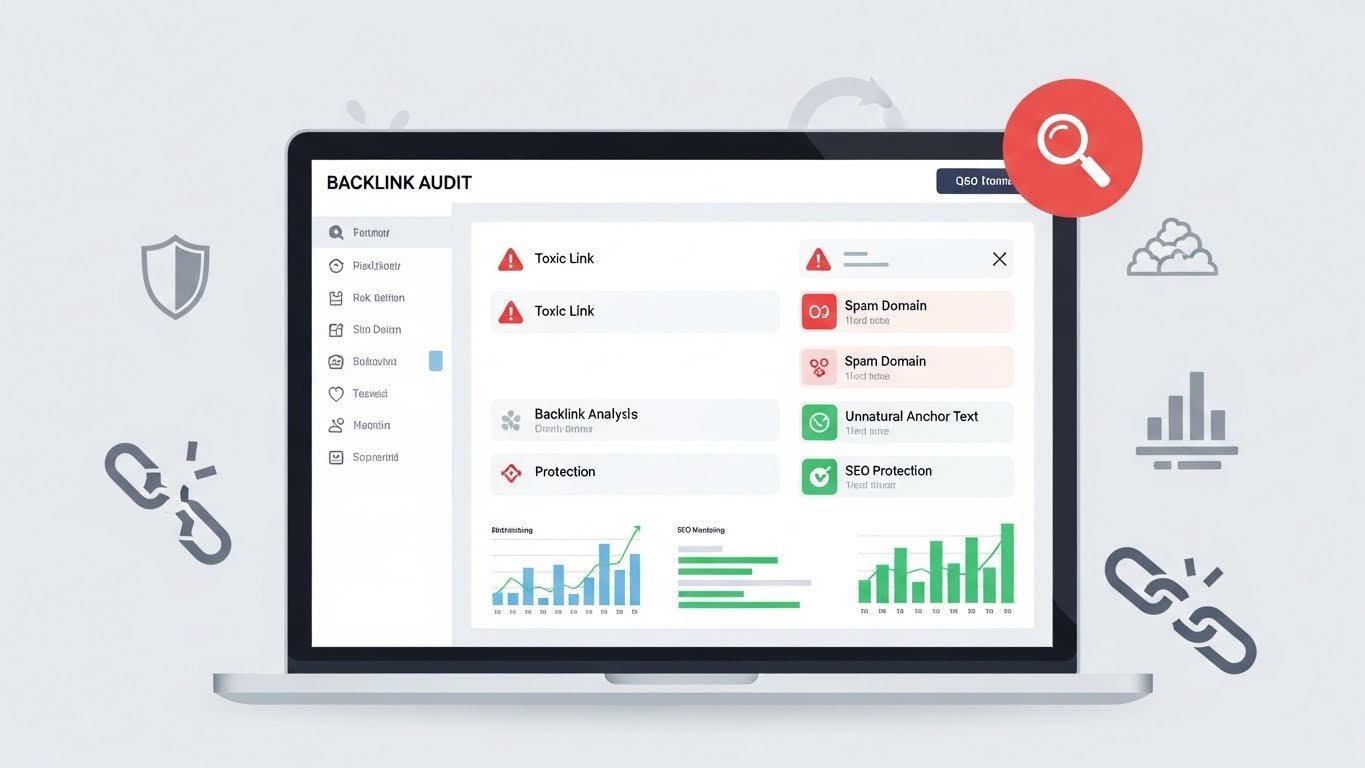
How to Check for Toxic Backlinks Using a Reliable Link Checker
If your website traffic has dropped or rankings are not improving despite good content, toxic backlinks might be the hidden reason. Knowing how to check for toxic backlinks is a critical part of modern SEO, especially when doing a proper backlink analysis. Many website owners build links without realizing that some of them can actually harm their site, often due to risky SEO link-building tools. In this guide, I will walk you through how to identify harmful links using a reliable link checker, why it matters, and what to do once you find them.
Table of Contents
- What Are Toxic Backlinks?
- Why You Must Check for Toxic Backlinks Regularly
- Signs Your Website May Have Toxic Backlinks
- What Makes a Backlink Toxic?
- How a Link Checker Helps Identify Toxic Backlinks
- Step-by-Step: How to Check for Toxic Backlinks
- What to Do After You Find Toxic Backlinks
- Common Mistakes to Avoid When Checking Backlinks
- Best Practices for Maintaining a Healthy Backlink Profile
- Frequently Asked Questions
What Are Toxic Backlinks?
Toxic backlinks are links pointing to your website from low-quality, spammy, or manipulative sources. Search engines like Google consider these links unnatural and may treat them as an attempt to manipulate rankings, as outlined in Google’s official link spam guidelines.
Not all bad links are intentional. In many cases, toxic links appear due to:
- Automated link-building tools
- Spammy directories or forums
- Negative SEO attacks
- Cheap backlink services
- Expired domains linking randomly
The problem is not just having these links, but ignoring them. Over time, toxic backlinks can weaken your site’s authority and trust.
Why You Must Check for Toxic Backlinks Regularly
Search engines evaluate not only your content but also who links to you. If your backlink profile looks unnatural, it sends a negative signal.
Here is why it is essential to check backlinks on a regular basis:
- Protect your site from Google penalties
- Maintain a healthy backlink profile
- Improve long-term ranking stability
- Detect negative SEO early
- Understand the true quality of your links
Many site owners only react after traffic drops. Proactive monitoring helps you avoid that situation entirely.
Signs Your Website May Have Toxic Backlinks
Before using a link checker, there are some warning signs that often indicate backlink problems.
Sudden Ranking or Traffic Drops
If your site loses rankings without major algorithm updates or on-page changes, toxic backlinks could be involved.
Unnatural anchor text patterns, which you can better understand using a competitor backlink guide.
Repeated use of exact-match keywords in backlinks, especially from unrelated sites, is a common red flag.
Links from Irrelevant or Foreign Websites
If your business is local or niche-focused but links are coming from unrelated or foreign-language sites, it may indicate spam.
Low-Quality Domains Linking in Bulk
Hundreds of links from weak domains with no real content often point to automated link schemes.
What Makes a Backlink Toxic?
Not every low-quality link is toxic. However, certain characteristics strongly increase risk.
- Links from sites with no real content
- Domains created only for link building
- Pages overloaded with outbound links
- Links hidden in footers or sidebars
- Sites flagged for malware or spam
- Irrelevant niches with no contextual value
A reliable link checker helps analyze these signals together rather than judging links individually.
How a Link Checker Helps Identify Toxic Backlinks
A link checker is a tool designed to analyze your backlink profile in detail using a free backlink checker tool. It gathers data from multiple sources and applies quality metrics to each link.
When you check backlinks using a professional tool, you typically get insights such as:
- Domain authority or trust score
- Spam or toxicity indicators
- Anchor text distribution
- Link placement and context
- Follow vs nofollow status
This information allows you to make informed decisions instead of guessing which links might be harmful.
Step-by-Step: How to Check for Toxic Backlinks

Let’s break down the process into simple, actionable steps.
Step 1: Choose a Reliable Link Checker
Not all tools are equal. A reliable link checker should have an updated database, clear metrics, and transparent scoring.
When evaluating a tool, look for:
- Accurate backlink data
- Spam or toxicity scoring
- Anchor text analysis
- Easy-to-read reports
Step 2: Run a Full Backlink Audit
Enter your domain and allow the tool to scan all inbound links. This may take some time depending on site size.
Make sure you review the full list, not just the summary.
Step 3: Filter High-Risk Links
Most tools allow filtering by toxicity score or domain quality. Start by reviewing the highest-risk links first.
Pay attention to:
- Very low authority domains
- Unrelated niches
- Suspicious anchor text
Step 4: Manually Review Each Suspicious Link
Tools are helpful, but human judgment matters. Visit the linking page and assess whether it provides real value or looks spammy.
Ask yourself:
- Does this site look legitimate?
- Is the link relevant to my content?
- Would I want users coming from this page?
Step 5: Document Toxic Links
Create a list of links you believe are harmful. Include the URL, domain, anchor text, and reason for concern.
What to Do After You Find Toxic Backlinks
Finding toxic backlinks is only half the process. The next step is handling them correctly.
Request Link Removal
If possible, contact the website owner and request removal. This works best for smaller sites and accidental links.
Use the Disavow Method Carefully
For links you cannot remove, disavowing tells search engines to ignore them. This should be done carefully and only for clearly toxic links.
Disavowing good links by mistake can hurt your rankings.
Monitor Your Backlink Profile Regularly
After cleanup, continue to check for toxic backlinks monthly or quarterly. SEO is an ongoing process, not a one-time task.
Common Mistakes to Avoid When Checking Backlinks
- Assuming all low-authority links are toxic
- Relying only on automated scores
- Disavowing too aggressively
- Ignoring anchor text patterns
- Checking backlinks only after a penalty
A balanced approach protects your site while preserving natural link equity.
Best Practices for Maintaining a Healthy Backlink Profile
Prevention is always easier than cleanup.
- Build links naturally through valuable content
- Avoid cheap or automated link services
- Regularly use a link checker to audit backlinks
- Diversify anchor text naturally
- Focus on relevance over quantity
Healthy backlinks support long-term SEO growth and brand trust.
Frequently Asked Questions
How often should I check for toxic backlinks?
For most websites, checking backlinks once a month is sufficient. Larger or highly competitive sites may benefit from weekly monitoring.
Can toxic backlinks cause an immediate Google penalty?
Not always. Often, the impact is gradual. However, severe cases or manual actions can result in sudden ranking drops.
Is every spammy-looking link toxic?
No. Some low-quality links are simply ignored by search engines. Toxic links are those that clearly signal manipulation or spam.
Do I need a paid link checker?
Free tools can help with basic checks, but paid tools usually provide deeper insights, better accuracy, and toxicity analysis.
Will removing toxic backlinks improve rankings?
Cleaning up harmful links can stabilize rankings and prevent further decline. Improvements depend on overall SEO quality and competition.






