


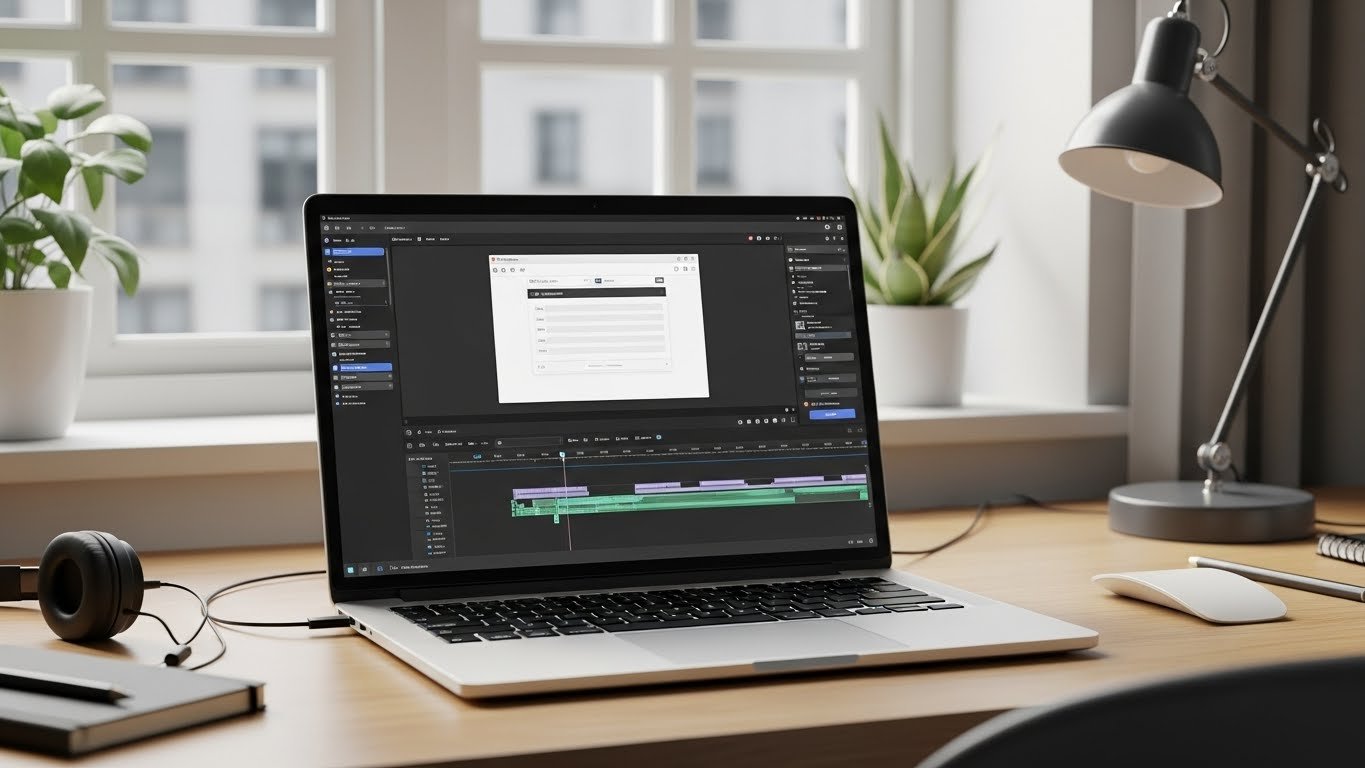
Linux Video Editing Software for Beginners Who Want Simple and Free Tools
Finding the right Linux video editing software can feel confusing if you are a beginner, especially when choosing from many free and open-source software tools available today. Linux offers freedom, stability, and privacy, but when it comes to creative tools, many new users worry that video editing will be complicated or expensive. The good news is that Linux has several free and beginner-friendly video editors that make video creation simple, practical, and enjoyable, similar to other lightweight software solutions used by beginners.
Table of Contents
- Why Linux Is a Great Platform for Video Editing Beginners
- What Beginners Should Look for in Linux Video Editing Software
- Shotcut: Best Overall Linux Video Editor for Beginners
- OpenShot: The Easiest Video Editor to Learn on Linux
- Kdenlive: A Step Up for Beginners Who Want More Control
- VSDC Alternative Options on Linux (Free and Lightweight)
- Online vs Desktop Video Editing Software on Linux
- System Requirements: Can Your Linux PC Handle Video Editing?
- Tips to Make Video Editing Easier on Linux
- Common Mistakes Beginners Make
- FAQ: Linux Video Editing Software for Beginners
In this guide, I’ll walk you through the best free video editing software for Linux beginners, based on how video editing software works in real-world use. I’ll explain what makes each tool easy to use, what kind of videos it’s best for, and how to choose the right one for your needs. Everything here is based on real-world use and practical experience, not marketing hype.
Why Linux Is a Great Platform for Video Editing Beginners
Linux is often seen as a system for developers and advanced users, but that image is outdated, as many modern productivity software tools now support beginners. Modern Linux distributions like Ubuntu, Linux Mint, and Fedora are beginner-friendly and support creative work surprisingly well.
Here’s why Linux works well for beginners in video editing:
- Free and open-source tools: Most Linux video editors cost nothing and have no hidden limits.
- No forced upgrades: You stay in control of your system and software.
- Stable performance: Linux handles long editing sessions smoothly, even on older hardware.
- Strong community support: Tutorials, forums, and guides are easy to find.
If your goal is simple video editing without spending money, Linux is one of the best choices available.
What Beginners Should Look for in Linux Video Editing Software
Before choosing any editing software for video, beginners should focus on usability rather than advanced features. Powerful tools are useless if they feel overwhelming.
Here are the most important things to look for:
- Simple interface: Clear buttons, timeline-based editing, and logical menus.
- Basic tools included: Trim, cut, split, transitions, text, and audio editing.
- Good format support: Ability to import common video and audio formats.
- Active development: Regular updates and bug fixes.
- Helpful documentation: Tutorials and guides for beginners.
The tools below meet these criteria and are widely used by Linux beginners worldwide.
Shotcut: Best Overall Linux Video Editor for Beginners
Shotcut is often the first recommendation when people ask about Linux video editing software for beginners—and for good reason. It offers a clean interface and powerful features without overwhelming new users.
Why Shotcut Is Beginner-Friendly
- Simple timeline-based editing
- Drag-and-drop media importing
- Built-in presets for YouTube and social media
- No watermark or paid version
Shotcut supports a wide range of formats and works smoothly on most Linux systems. You can cut clips, add transitions, adjust audio levels, and export videos with just a few clicks.
For beginners who want reliable editing software free of complexity and cost, Shotcut is an excellent starting point.
OpenShot: The Easiest Video Editor to Learn on Linux
If simplicity is your top priority, OpenShot is one of the easiest video editors available on Linux. It’s designed specifically for beginners and casual creators.
Key Features of OpenShot
- Very simple user interface
- Unlimited tracks
- Easy drag-and-drop transitions
- Basic titles and animations
OpenShot is perfect for short videos, personal projects, school assignments, and basic YouTube content. While it’s not the fastest editor for large projects, its learning curve is extremely gentle.
If you’ve never edited a video before, OpenShot helps you get started without frustration.
Kdenlive: A Step Up for Beginners Who Want More Control
Kdenlive is a powerful open-source editor that still remains accessible to beginners. It offers more features than Shotcut or OpenShot, but its interface is logical and well-organized.
Why Beginners Still Like Kdenlive
- Professional-style timeline
- Advanced trimming and keyframes
- Large collection of effects
- Strong community tutorials
Kdenlive is ideal if you plan to grow your skills over time. You can start with simple cuts and gradually explore more advanced tools without switching software later.
It’s a great choice for users who want long-term value from their video editing software for Linux.
VSDC Alternative Options on Linux (Free and Lightweight)
Some users coming from Windows look for tools similar to VSDC. While VSDC itself isn’t available on Linux, several lightweight alternatives offer comparable simplicity.
Pitivi
Pitivi focuses on clean design and ease of use. It integrates well with GNOME-based Linux systems and offers smooth basic editing.
- Minimal interface
- Automatic media organization
- Good for short projects
Flowblade
Flowblade is another lightweight editor that strikes a balance between simplicity and performance. It’s fast and stable, especially on older hardware.
- Efficient timeline editing
- Low system resource usage
- Ideal for basic to intermediate users
Online vs Desktop Video Editing Software on Linux
Some beginners wonder if online tools are better than desktop editing software for video. While online editors are convenient, desktop Linux editors offer more control and privacy.
Desktop editors:
- No internet dependency
- Better performance for long videos
- No upload limits
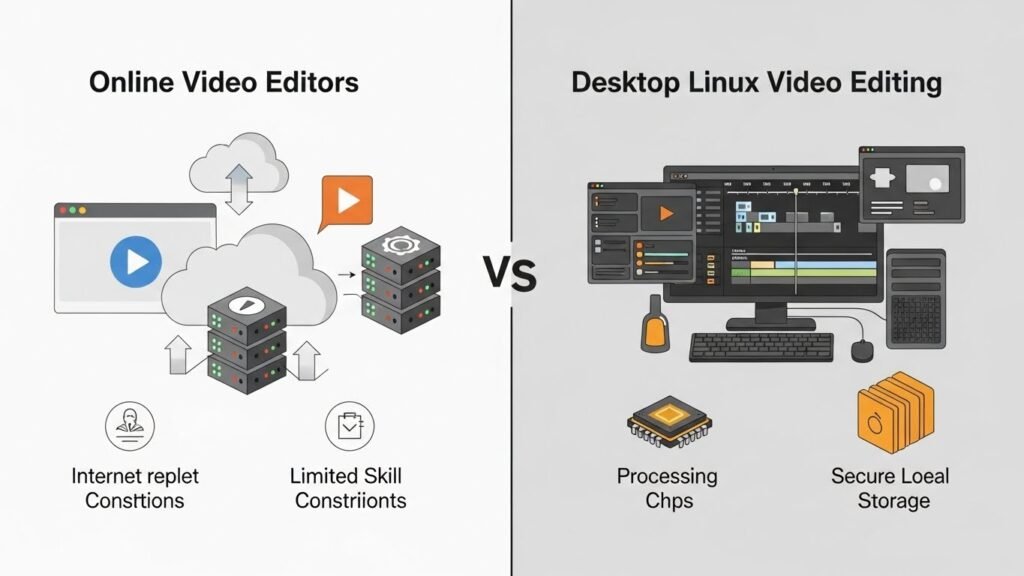
Online editors
- Easy to access
- Often limited features
- May include watermarks
For beginners who want to learn real video editing skills, desktop Linux tools are the better long-term choice.
System Requirements: Can Your Linux PC Handle Video Editing?
One common concern among beginners is the limitations of hardware. Thankfully, many Linux video editors work well on modest systems.
Recommended minimum specs:
- 4 GB RAM (8 GB recommended)
- Dual-core processor
- SSD storage for smoother performance
Lightweight tools like OpenShot and Flowblade perform especially well on older machines.
Tips to Make Video Editing Easier on Linux
Even with simple Linux video editing software, beginners can benefit from a few practical tips:
- Start with short projects
- Use proxy clips if available
- Save your project frequently
- Export in standard formats like MP4
Learning video editing is a process, and Linux gives you a safe, cost-free environment to practice.
Common Mistakes Beginners Make
Understanding common mistakes helps you avoid frustration:
- Choosing overly complex software too early
- Ignoring export settings
- Editing large files without proxies
- Expecting instant professional results
Focus on basics first, and your skills will improve naturally.
FAQ: Linux Video Editing Software for Beginners
Is Linux video editing software really free?
Yes. Most Linux video editors are completely free and open-source, with no watermarks or locked features.
Which Linux video editor is best for absolute beginners?
OpenShot is often the easiest choice for absolute beginners due to its simple layout and basic tools.
Can beginners create YouTube videos on Linux?
Absolutely. Tools like Shotcut and Kdenlive are widely used for YouTube content creation on Linux.
Is Linux good for professional video editing later?
Yes. Many beginners start with simple tools and later move to advanced Linux editors without changing platforms.
Do Linux video editors support popular video formats?
Most modern Linux editors support common formats like MP4, MOV, AVI, and popular audio codecs.
Choosing the right linux video editing software as a beginner doesn’t have to be difficult. With free, reliable, and user-friendly tools available, Linux makes video editing accessible to everyone. Whether you want to create personal videos, educational content, or online media, these tools give you everything you need to get started confidently.






