


Best Free Video Editing Software for Mac for Beginners and Creators
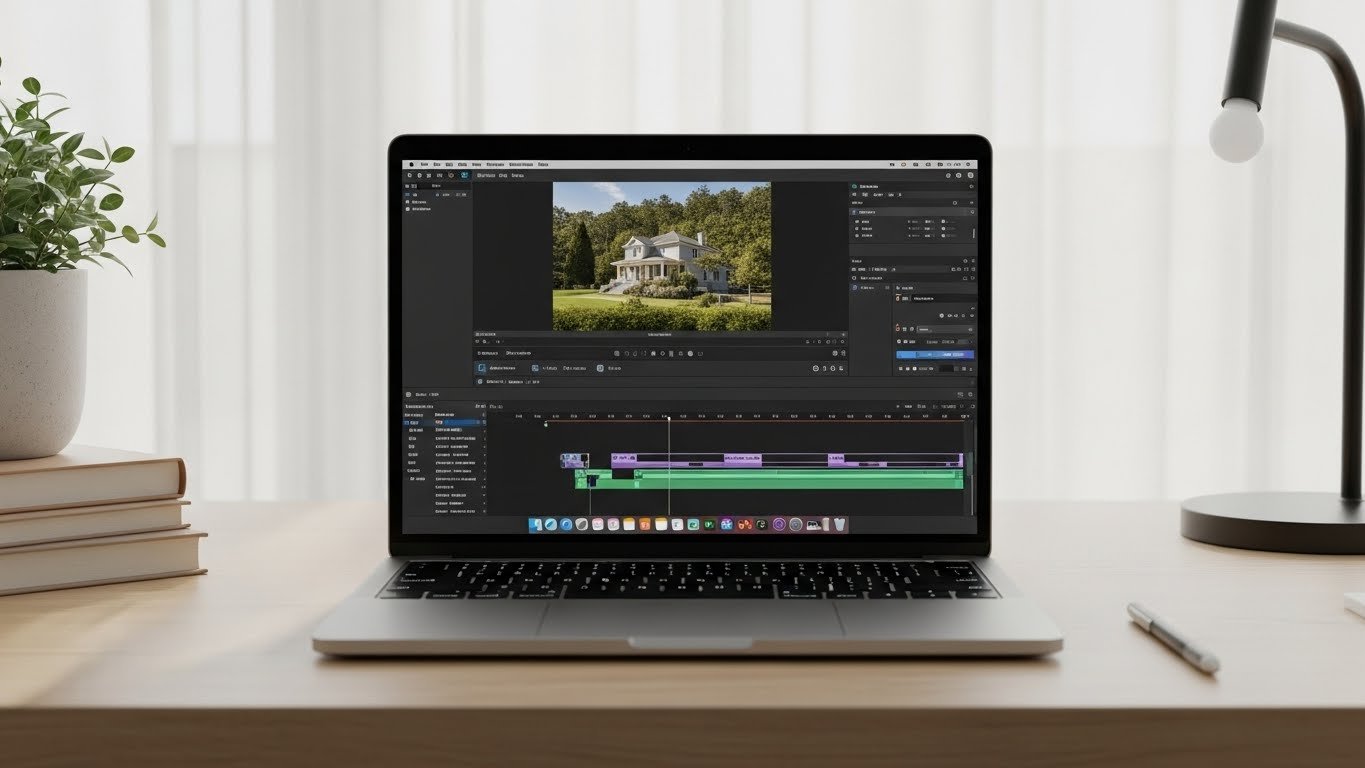
Finding the right free video editing software for Mac can feel confusing, especially if you’re just starting or creating content on a budget. Mac users are lucky—there are several powerful tools available that let you edit videos professionally without spending a single dollar. Whether you’re a beginner learning the basics or a creator building content for YouTube, social media, or personal projects, this guide will help you choose the best option with confidence.
Table of Contents
- What Beginners Should Look for in Free Video Editing Software
- iMovie – The Easiest Free Video Editor for Mac Beginners
- DaVinci Resolve – Professional Power for Free
- Shotcut – Simple and Lightweight Video Editing
- CapCut Desktop – Popular Choice for Social Media Creators
- OpenShot – Straightforward and Beginner-Friendly
- How to Choose the Right Free Video Editing Software for You
- Common Mistakes Beginners Should Avoid
- FAQ – Free Video Editing Software for Mac
In this article, I’ll walk you through the best free software to edit videos for Mac, explain what each tool is good at, and help you understand which one fits your needs best. Everything is explained in simple terms, with real-world use in mind.
What Beginners Should Look for in Free Video Editing Software
Before jumping into specific tools, it’s important to know what actually matters when choosing editing software free for Mac. Beginners often make the mistake of downloading complex software that feels overwhelming from day one.
Here are the key things beginners and creators should focus on:
- Easy interface: Clean layout with clear tools and labels
- Basic editing features: Trim, cut, merge, and add music
- Export quality: Ability to export HD or 4K videos
- Mac compatibility: Runs smoothly on macOS without crashes
- Room to grow: Advanced tools available when skills improve
Now let’s look at the best free video editing software for Mac that actually meets these expectations.
iMovie – The Easiest Free Video Editor for Mac Beginners
iMovie is often the first video editing software for Mac users—and for good reason, as this iMovie beginner’s guide explains.
It comes pre-installed on most Macs and is designed specifically for beginners.
Why iMovie Is Great for Beginners
- Extremely simple drag-and-drop interface
- Optimized perfectly for macOS
- Built-in templates, transitions, and effects
- Fast performance even on older Macs
With iMovie, you can cut clips, add background music, insert text titles, and export videos in high quality. It’s ideal for YouTube videos, family projects, and basic content creation.
The main limitation is that iMovie doesn’t offer advanced color grading or professional audio controls. Still, as a free software to edit videos for Mac, it’s one of the best starting points.
DaVinci Resolve – Professional Power for Free
If you’re willing to spend a little time learning, DaVinci Resolve is one of the most powerful editing software free options available on Mac.
What Makes DaVinci Resolve Stand Out
- Professional-level color grading tools
- Advanced video and audio editing features
- Supports 4K editing and high-end formats
- Used by filmmakers and professionals worldwide
Despite being free, DaVinci Resolve offers tools you’d normally expect in paid software. Beginners can start with basic cutting and gradually explore advanced features as their skills grow.
The downside is that it requires a more powerful Mac and has a steeper learning curve. However, for creators serious about video quality, it’s hard to beat.
Shotcut – Simple and Lightweight Video Editing
Shotcut is a lesser-known but very capable free video editing software for Mac. It’s open-source, lightweight, and surprisingly flexible.
Why Shotcut Works Well for Beginners
- Clean and customizable interface
- No watermarks or hidden restrictions
- Supports a wide range of formats
- Runs well on lower-end Macs
Shotcut is great if you want something more flexible than iMovie but less complex than DaVinci Resolve. It covers all basic editing needs and includes useful filters for audio and video.
While the interface isn’t as polished as Apple’s software, it’s very functional and reliable.
CapCut Desktop – Popular Choice for Social Media Creators
CapCut has become extremely popular, especially among TikTok and Instagram creators, offering professional video editing tips for social media content.
The Mac desktop version offers a smooth editing experience and is completely free.
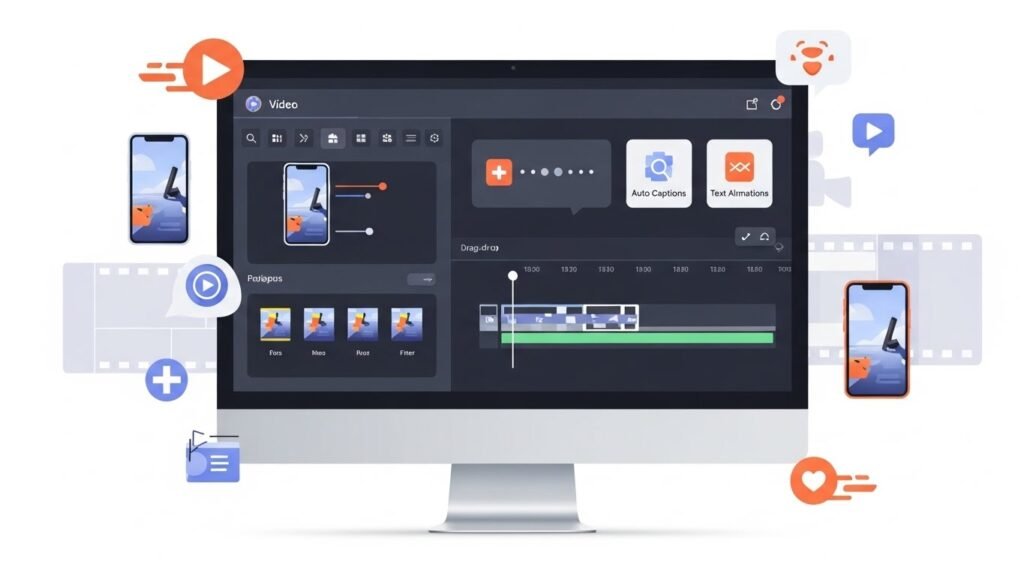
Key Features Creators Love
- Easy timeline editing
- Auto captions and text animations
- Built-in effects, filters, and transitions
- Perfect for short-form content
CapCut is ideal if your main goal is social media content. It’s beginner-friendly, fast, and doesn’t require technical knowledge to create engaging videos.
However, it’s not designed for long-form or cinematic projects, so advanced creators may eventually need more powerful software.
OpenShot – Straightforward and Beginner-Friendly
OpenShot is another open-source free software to edit videos for Mac that focuses on simplicity.
What OpenShot Offers
- Very easy learning curve
- Unlimited tracks and layers
- Basic transitions and effects
- Good for simple personal projects
OpenShot is perfect for beginners who want basic editing without distractions. It’s not as powerful as DaVinci Resolve or as polished as iMovie, but it gets the job done.
Some users may experience performance issues with large projects, so it’s best suited for smaller edits.
How to Choose the Right Free Video Editing Software for You
Choosing the best video editing software for Mac depends on what you plan to create and how comfortable you are with learning new tools.
- Absolute beginners: iMovie or OpenShot
- YouTubers and content creators: DaVinci Resolve or Shotcut
- Social media creators: CapCut Desktop
- Low-end Mac users: Shotcut or OpenShot
Start simple. You can always move to more advanced software once you’re comfortable with basic editing concepts.
Common Mistakes Beginners Should Avoid
When using editing software free, beginners often face the same problems. Avoid these mistakes to save time and frustration:
- Choosing overly complex software too early
- Ignoring export settings and video quality
- Overusing effects and transitions
- Not saving projects regularly
Good video editing is more about clarity and storytelling than flashy effects.
FAQ – Free Video Editing Software for Mac
What is the best free video editing software for Mac beginners?
iMovie is the best option for beginners because it’s easy to use, stable, and optimized for macOS.
Is there any truly professional free video editing software for Mac?
Yes, DaVinci Resolve offers professional-level tools for free and is widely used in the film industry.
Does free video editing software add watermarks?
Most reputable free options like iMovie, DaVinci Resolve, Shotcut, and OpenShot do not add watermarks.
Can free software handle 4K video editing on Mac?
DaVinci Resolve and Shotcut support 4K editing, but performance depends on your Mac’s hardware.
Which free software is best for social media videos?
CapCut Desktop is excellent for creating short-form social media videos quickly and easily.
Choosing the right free video editing software for Mac doesn’t have to be complicated. With the right tool and a bit of practice, beginners and creators alike can produce high-quality videos without spending money.






