


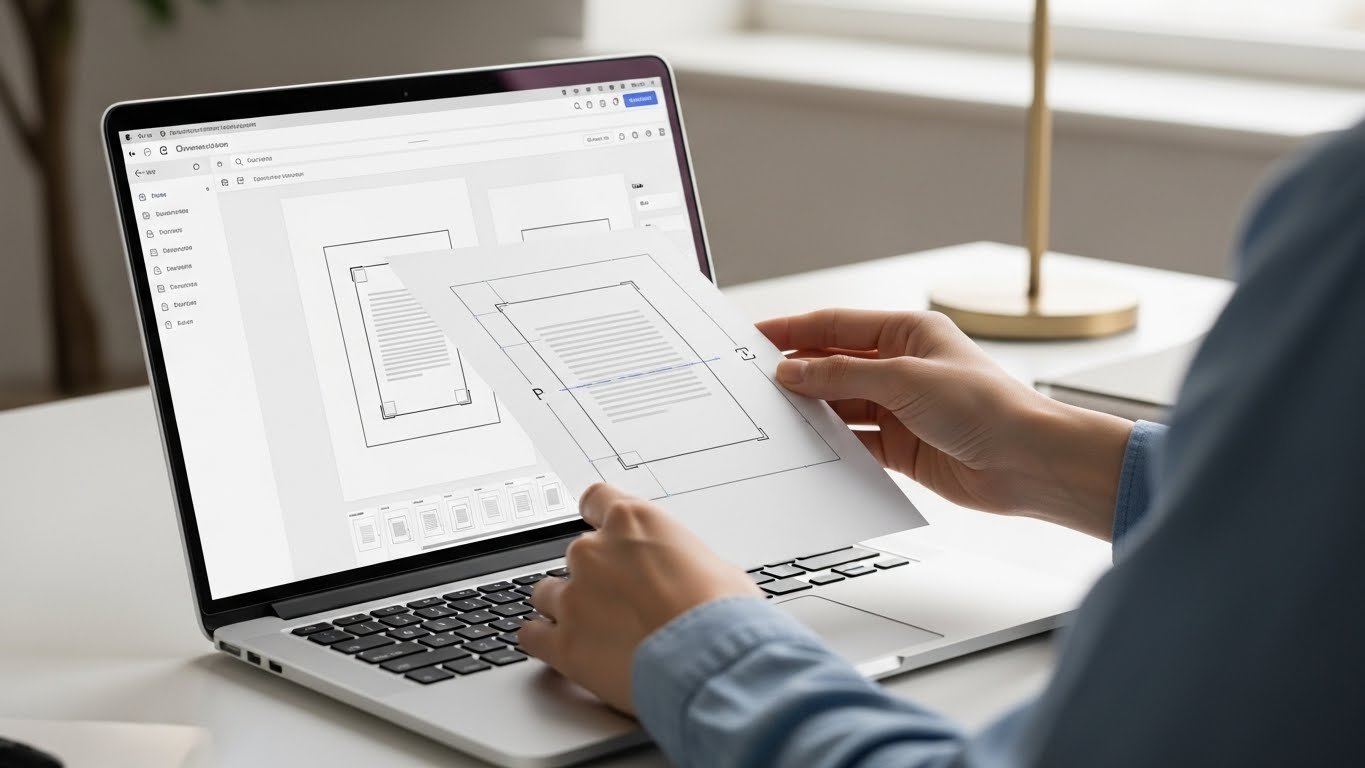
How to Use a Free PDF Editor to Crop Pages Quickly and Easily
Editing PDFs can be tricky if you don’t have the right tools or access to affordable software options.
Sometimes, you just need to remove extra margins or unwanted sections from a PDF page. Luckily, a free PDF editor to crop pages makes this task fast, easy, and secure when you understand how PDF file structures work.
In this guide, we’ll explore simple ways to crop PDF pages without installing heavy software, and even highlight Adobe Acrobat alternatives that won’t cost you a dime.
Why You Might Need to Crop a PDF
Cropping a PDF is not just about aesthetics. Here are common reasons people crop PDF pages:
- Remove unnecessary white margins for a cleaner look.
- Focus on important content, such as images or charts.
- Reduce file size slightly for easier sharing.
- Prepare documents for printing in a specific format.
Features to Look for in a Free PDF Crop Tool
Not all PDF editors are created equal, especially when comparing long-term usability and pricing flexibility.
When choosing a secure PDF editor with crop feature, look for these key capabilities:
- Ease of use: Simple, intuitive interface that doesn’t require technical skills.
- Precision cropping: Allows you to select exact areas to remove or retain.
- Security: Ensures your files are handled safely, especially if using an online tool.
- Compatibility: Works with multiple operating systems, like Windows, Mac, and even mobile devices.
Additional editing options: Optional features like rotation, merging, or text editing can be useful.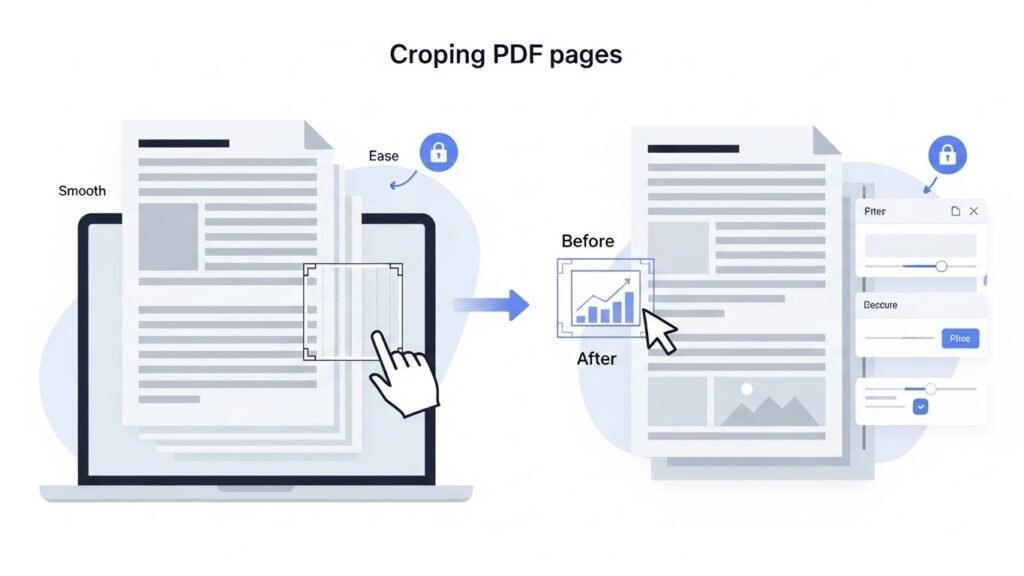
Top Free PDF Editors to Crop Pages
Here are some of the best options that make cropping PDFs straightforward:
1. Smallpdf (Online Tool)
Smallpdf offers a clean interface and fast cropping features. You simply upload your PDF, select the pages, crop the area you want, and download the edited file. It’s a reliable Adobe Acrobat alternative for cropping PDFs online.
2. PDF Candy (Online Tool)
PDF Candy is another excellent free online PDF crop tool. It allows precise selection for cropping, is easy to use, and doesn’t require an account. Plus, it keeps your files secure with temporary storage and automatic deletion.
3. Sejda PDF Editor (Online & Desktop)
Sejda lets you crop multiple pages at once and is compatible with both Windows and Mac. It’s a strong option if you want more control over page selection and margins, making it one of the best free PDF crop tools online.
4. LibreOffice Draw (Desktop Tool)
If you prefer an offline option, LibreOffice Draw is completely free and open-source, making it a great alternative to premium productivity software.
You can open a PDF, crop pages, and save the document without worrying about file security online.
Step-by-Step: How to Crop Pages Using a Free PDF Editor
Here’s a simple workflow you can follow, whether using an online tool or desktop editor:
- Open your free PDF editor to crop pages.
- Upload the PDF file you want to edit.
- Select the page or pages you want to crop.
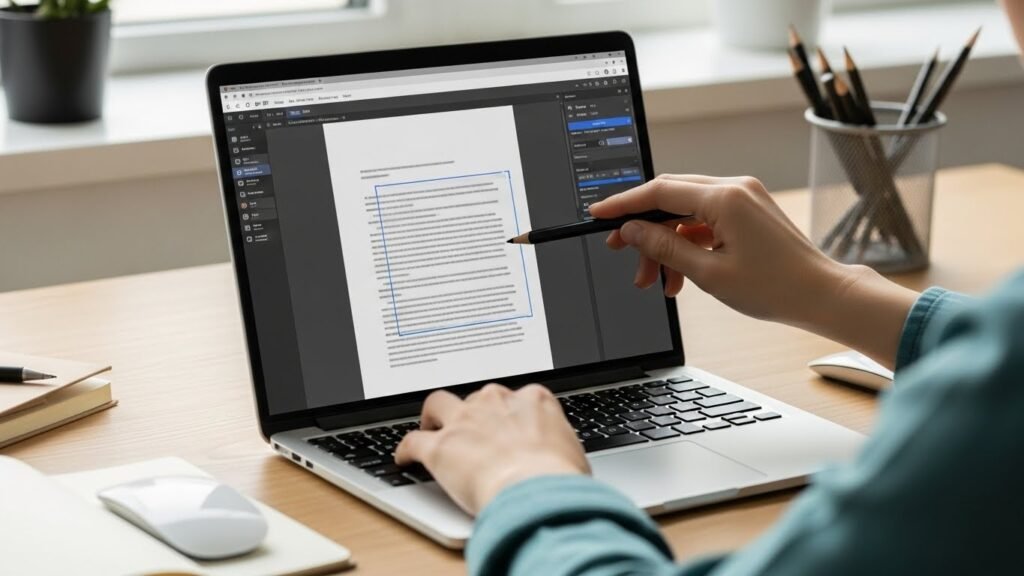
- Draw a rectangle around the area you wish to keep.
- Apply the crop and review your document to make sure it looks right.
- Download or save the cropped PDF to your device.
Tips for a Smooth Cropping Experience
- Always keep a backup of your original PDF before cropping.
- Zoom in to make sure the crop area is precise.
- Check multiple pages to maintain consistency if cropping several at once.
- If using online tools, confirm they delete your files after processing to ensure privacy.
FAQs About Free PDF Crop Tools
Can I crop a PDF without Adobe Acrobat?
Yes! Many free online and desktop PDF editors allow you to crop pages without Adobe Acrobat. Tools like Smallpdf, PDF Candy, Sejda, and LibreOffice Draw are excellent alternatives.
Is it safe to use online PDF crop tools?
Yes, as long as the tool uses secure connections and deletes files automatically after processing. Look for platforms that explicitly mention privacy and security.
Can I crop multiple pages at once?
Some tools, like Sejda, allow you to crop multiple pages at once. Others may require you to crop pages individually, depending on the software.
Will cropping reduce my PDF file size?
Cropping mainly removes visible content but may slightly reduce file size. To significantly reduce PDF size, consider using a PDF compression feature alongside cropping.
Do I need to install software to crop PDFs?
Not necessarily. Many online PDF crop tools let you upload and edit your files directly in the browser. However, desktop software can be useful for offline editing or larger files.
With the right free PDF editor to crop pages, you can quickly remove unwanted sections and make your PDFs cleaner and more professional. Whether you choose an online tool or a desktop program, cropping PDFs has never been easier or more accessible.






