


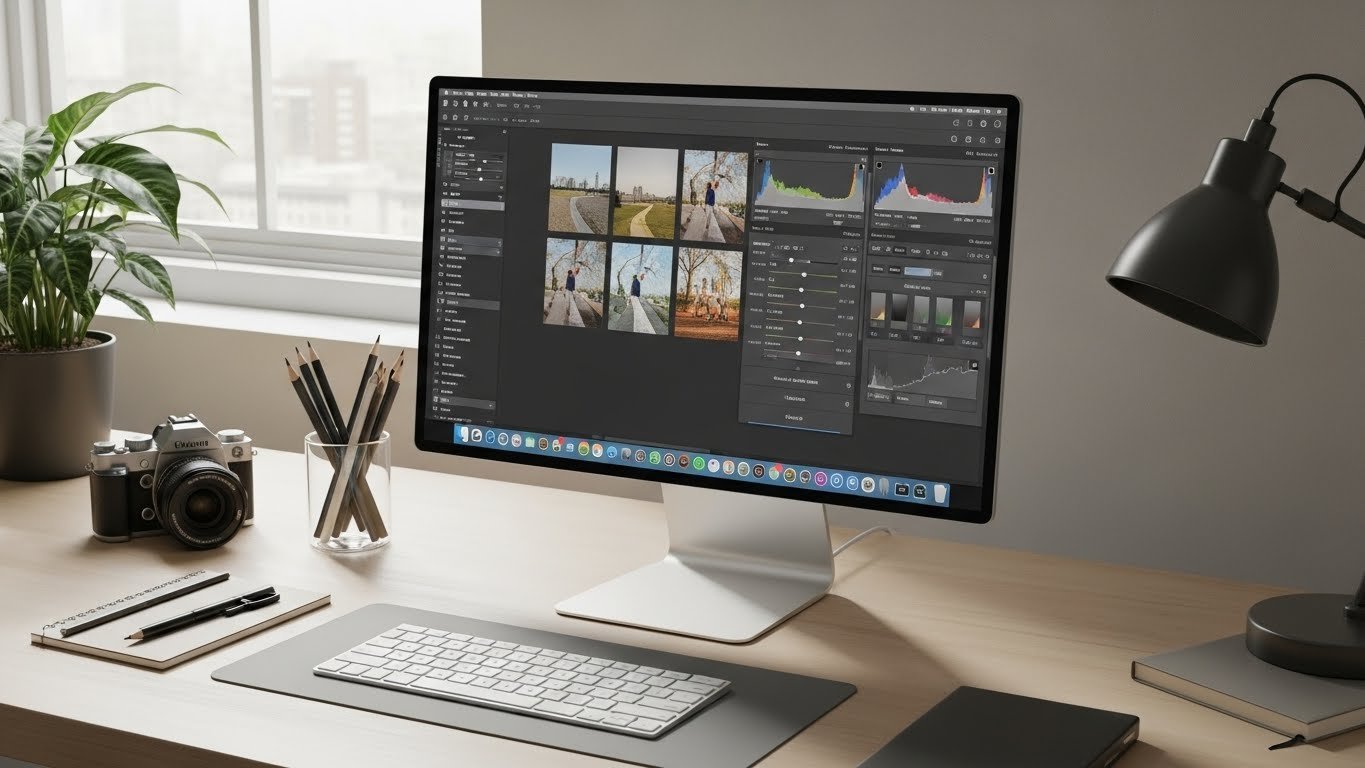
Top Free Mac Photo Editing Software for Stunning Images
If you’re a Mac user looking for powerful tools to enhance your photos without spending a dime, you’re in the right place to save on creative software.
Choosing the right free Mac photo editing software can feel overwhelming with so many options available, especially if you’re unfamiliar with modern photo editing workflows.
From beginner-friendly apps to advanced Lightroom alternatives, there’s something for everyone.
Why You Need Free Mac Photo Editing Software
Professional-looking photos can make a huge difference, whether you’re a hobbyist or building a portfolio. Paid software like Adobe Lightroom is excellent, but not everyone wants to invest immediately in traditional pricing models.
That’s where free Lightroom alternatives for Mac come in—they offer impressive editing tools without breaking the bank.
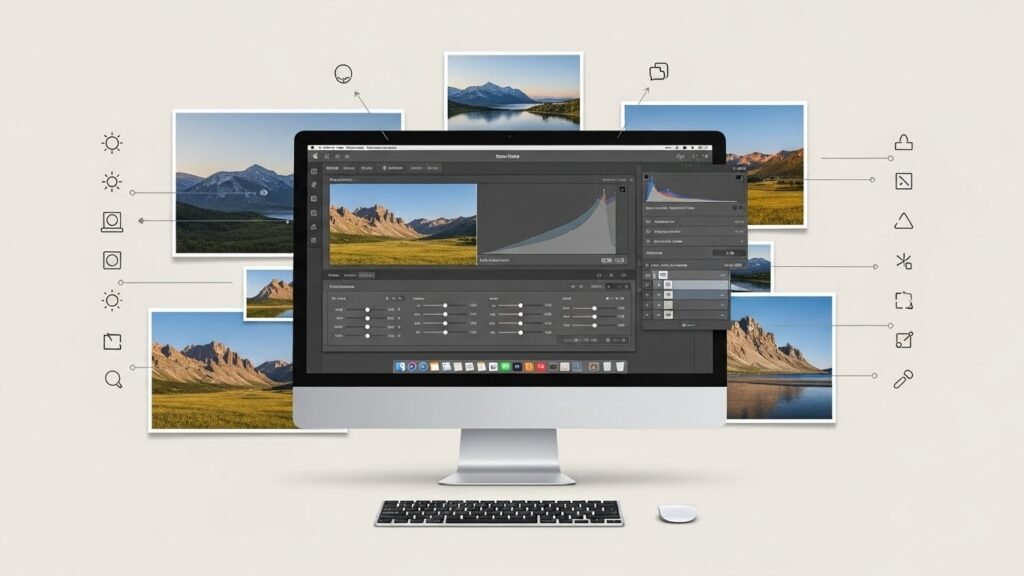
Top Free Mac Photo Editing Software Options
1. Darktable
Darktable is a powerful open-source photo editor often considered the closest free alternative to Lightroom. It offers:
- Non-destructive editing workflow
- Advanced color correction tools
- RAW image support for professional-quality edits
Ideal for photographers who want complete control over their images without subscription fees.
2. GIMP
GIMP is another robust free option for Mac users. While it has a steeper learning curve, it’s excellent for both photo editing and graphic design. Key features include:
- Layer-based editing
- Customizable brushes and filters
- Support for Photoshop file formats
Perfect for creative users who want flexibility similar to Photoshop.
3. Apple Photos
Many Mac users overlook Apple Photos, but it offers surprisingly good editing tools for everyday use. Features include:
- Basic photo adjustments like brightness, contrast, and saturation
- Built-in filters and effects
- Seamless integration with macOS and iCloud
Best for beginners or those who want quick edits without learning complex software.
4. Luminar Neo (Free Trial)
Luminar Neo isn’t fully free, but its trial version allows you to explore advanced AI-powered editing tools. Highlights include:
- AI Sky Replacement
- Automatic portrait retouching
- Batch editing for multiple photos
It’s a great way to test professional features before deciding to invest in premium creative tools.
5. Pixelmator vs Free Mac Editors
Pixelmator is a popular paid editor with an intuitive interface, but how does it compare to free alternatives?
- Ease of Use: Pixelmator is easier for beginners, while Darktable and GIMP require more learning.
- Features: Free editors often match Pixelmator’s core photo adjustments, but advanced tools like AI enhancements may be missing.
- Cost: Free editors obviously win here, especially if you’re just starting.
If budget is a concern, free Mac photo editing software can cover most needs, with Pixelmator as a possible future upgrade.
Best Free Photo Editor for Mac: How to Choose
When selecting the best free photo editor for Mac, consider your workflow and goals:
- Beginner-Friendly: Apple Photos or Luminar Neo trial.
- Advanced Editing: Darktable for professional photographers, GIMP for creative flexibility.
- RAW Support: Darktable excels here, essential for serious photographers.
- Learning Curve: Free alternatives often require more patience, but they reward you with deeper control.
Tips for Using Free Lightroom Alternatives on Mac
- Always keep a backup of your original photos.
- Experiment with layers, masks, and filters to learn advanced editing.
- Check community tutorials—many free editors have active user forums and guides.
- Combine tools: sometimes using two free apps together can achieve better results.
Conclusion
Finding the right free Mac photo editing software doesn’t have to be complicated. Whether you want the powerful controls of Darktable, the flexibility of GIMP, or the simplicity of Apple Photos, there’s a tool for every level of user. By exploring these free Lightroom alternatives for Mac, you can elevate your photography without spending a penny, creating stunning images with confidence.
FAQ
What is the best free photo editor for Mac?
For beginners, Apple Photos is the easiest to use. For advanced editing, Darktable and GIMP are the top free options.
Are there free Lightroom alternatives for Mac?
Yes, Darktable and GIMP are excellent free Lightroom alternatives for Mac, offering RAW support and professional-grade editing tools.
How does Pixelmator compare to free Mac editors?
Pixelmator has a more intuitive interface and additional paid features, but free editors like Darktable and GIMP cover most essential editing needs at no cost.






