


Free Accounting Software Features Small Businesses Should Look for Before Choosing
Choosing the right free accounting software can feel overwhelming, especially for small business owners who are already juggling sales, customers, and daily operations. While “free” sounds attractive, not all free accounting tools are created equal. Some are genuinely helpful, while others come with limitations that can slow you down later.
Table of Contents
- Why Free Accounting Software Matters for Small Businesses
- Core Features Every Free Accounting Software Should Have
- Advanced Features Worth Considering (Even in Free Plans)
- Limitations You Should Watch Out For
- Free vs Paid: When Discounts Matter
- How to Choose the Best Free Accounting Software for Small Business
- Common Mistakes Small Businesses Make When Choosing Free Accounting Software
- Frequently Asked Questions
This guide breaks down the most important features small businesses should look for before choosing free accounting software, especially if you’re comparing options like the best free accounting tools available today. Whether you’re a freelancer, startup founder, or small shop owner, this article will help you make a confident, informed decision without wasting time or money.
Why Free Accounting Software Matters for Small Businesses
Small businesses often operate on tight budgets, especially in the early stages. Paying monthly fees for accounting software may not always be practical. That’s where free accounting tools come in.
Good free accounting software helps you manage finances more efficiently while following standard small business accounting practices recommended by financial authorities.
- Track income and expenses accurately
- Create professional invoices
- Understand cash flow at a glance
- Prepare for tax season with less stress
However, choosing the wrong tool can lead to missing features, manual work, or forced upgrades.
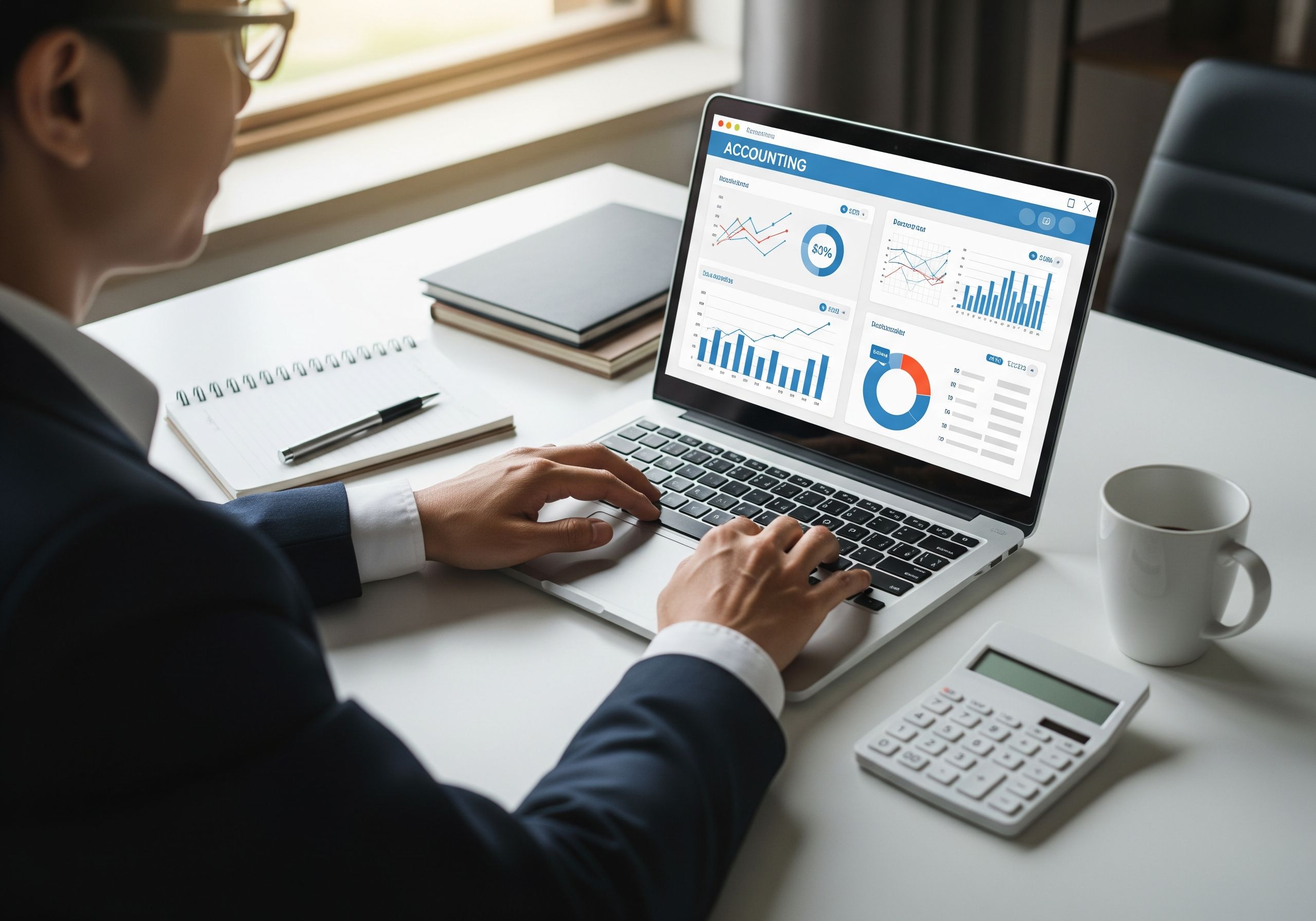
A small business owner managing finances and reports using free accounting software tools.Knowing what to look for before you choose is essential.
Core Features Every Free Accounting Software Should Have
1. Easy-to-Use Dashboard
Accounting doesn’t need to be complicated, especially when you understand how modern platforms simplify accurate bookkeeping software for small businesses. The best free accounting software for small business owners offers a clean, simple dashboard that shows key information instantly.
Look for software that displays:
- Current account balance
- Outstanding invoices
- Recent expenses
- Monthly income overview
If you need tutorials just to understand the dashboard, it’s probably not the right choice.
2. Free Accounting Software with Invoicing
Invoicing is non-negotiable for most small businesses. A strong free accounting tool should allow you to create, send, and manage invoices without extra costs.
Important invoicing features to check:
- Customizable invoice templates
- Client information storage
- Automatic invoice numbering
- Payment due date tracking
Some free tools limit the number of invoices per month. Make sure the limits match your business needs.
3. Expense Tracking and Categorization
Accurate expense tracking helps you understand where your money goes. Good free accounting software allows you to record expenses quickly and assign categories.
This feature is essential for:
- Budget planning
- Profit analysis
- Tax deductions
Manual spreadsheets can work, but they are error-prone and time-consuming compared to automated expense tracking.
4. Bank Account Integration (Even Limited)
While many free tools don’t offer full bank syncing, even limited integration is valuable. Some allow you to import bank statements or connect one account.
This saves time and reduces data entry mistakes, especially as your transaction volume grows.

Advanced Features Worth Considering (Even in Free Plans)
5. Basic Financial Reports
Reports turn numbers into insights, which is why many businesses compare different free accounting software comparison options before committing long term. The best free accounting software for small business use usually includes basic financial reports.
At minimum, look for:
- Profit and loss statement
- Income summary
- Expense breakdown
These reports help you understand if your business is actually making money, not just generating sales.
6. Tax-Friendly Features
Tax season is stressful enough. Free accounting software should help, not complicate things.
Useful tax-related features include:
- Expense categories aligned with tax rules
- Exportable reports for accountants
- Sales tax tracking (basic)
Even if you hire an accountant, clean records will save time and money.
7. Multi-Device and Cloud Access
Modern small businesses don’t work from a single computer anymore. Cloud-based free accounting software lets you access your data from anywhere.
This is especially helpful if you:
- Work remotely
- Travel frequently
- Need access from multiple devices
Cloud access also means your data is safer if your device fails.
Limitations You Should Watch Out For
8. User and Client Limits
Many free accounting tools limit the number of users or clients you can manage. This may be fine for solo founders but restrictive for growing teams.
Before choosing, check:
- How many clients you can add
- Whether multiple users are supported
- Upgrade costs if you outgrow the plan
9. Upgrade Pressure and Hidden Costs
Some platforms advertise “free” but aggressively push paid upgrades. Features like payroll, inventory, or advanced reports may be locked.
Understanding upgrade paths early helps you avoid surprises later.
Free vs Paid: When Discounts Matter
10. Considering Paid Tools with Discounts
Sometimes, free accounting software may not meet all your needs. In these cases, discounted paid tools can be a smart compromise.
For example, many startups look for a QuickBooks Online discount for startups when they need advanced reporting, payroll, or inventory management.
If your business is growing quickly, a discounted paid plan may offer better long-term value than switching tools later.
How to Choose the Best Free Accounting Software for Small Business
Before making your final choice, ask yourself:
- Do I need invoicing and how often?
- How many transactions do I handle monthly?
- Will my business grow in the next year?
- Do I need reports for taxes or investors?
The best free accounting software for small business owners is the one that fits current needs while allowing room to grow.
Common Mistakes Small Businesses Make When Choosing Free Accounting Software
- Choosing based on “free” alone, not features
- Ignoring scalability and future needs
- Not checking export or backup options
- Overlooking data security and privacy
A little research upfront can save hours of frustration later.
Frequently Asked Questions
Is free accounting software reliable for small businesses?
Yes, many free accounting tools are reliable for basic needs like invoicing, expense tracking, and simple reporting. The key is choosing software from a reputable provider.
Can free accounting software handle invoicing professionally?
Most free accounting software with invoicing offers professional-looking templates suitable for small businesses, freelancers, and consultants.
What is the best free accounting software for small business owners?
The best option depends on your needs. Look for tools that offer invoicing, expense tracking, and basic reports without forcing immediate upgrades.
Should startups use free software or paid tools with discounts?
Early-stage startups often start with free tools. As complexity grows, options like a QuickBooks Online discount for startups may provide better long-term value.
Can I switch from free accounting software later?
Yes, but make sure your chosen tool allows easy data export. This makes switching platforms smoother as your business grows.
Choosing the right free accounting software is less about finding the most features and more about finding the right balance. When the software matches your workflow, accounting becomes a support system instead of a burden.






