


DaVinci Resolve Video Editing Software: Free Features You Should Know
Finding a truly powerful Davinci Resolve video editing software option that doesn’t lock its best tools behind a paywall can feel impossible, but understanding what video editing software can do helps you make the right choice.
Many editors start with free tools only to quickly hit frustrating limits. DaVinci Resolve is different. It offers a surprisingly professional-grade experience at zero cost, making it one of the most respected names in modern video production. Whether you’re a beginner or an experienced editor exploring cost-effective tools, understanding its free features can completely change how you approach video editing.
What Is DaVinci Resolve and Why Is It So Popular?
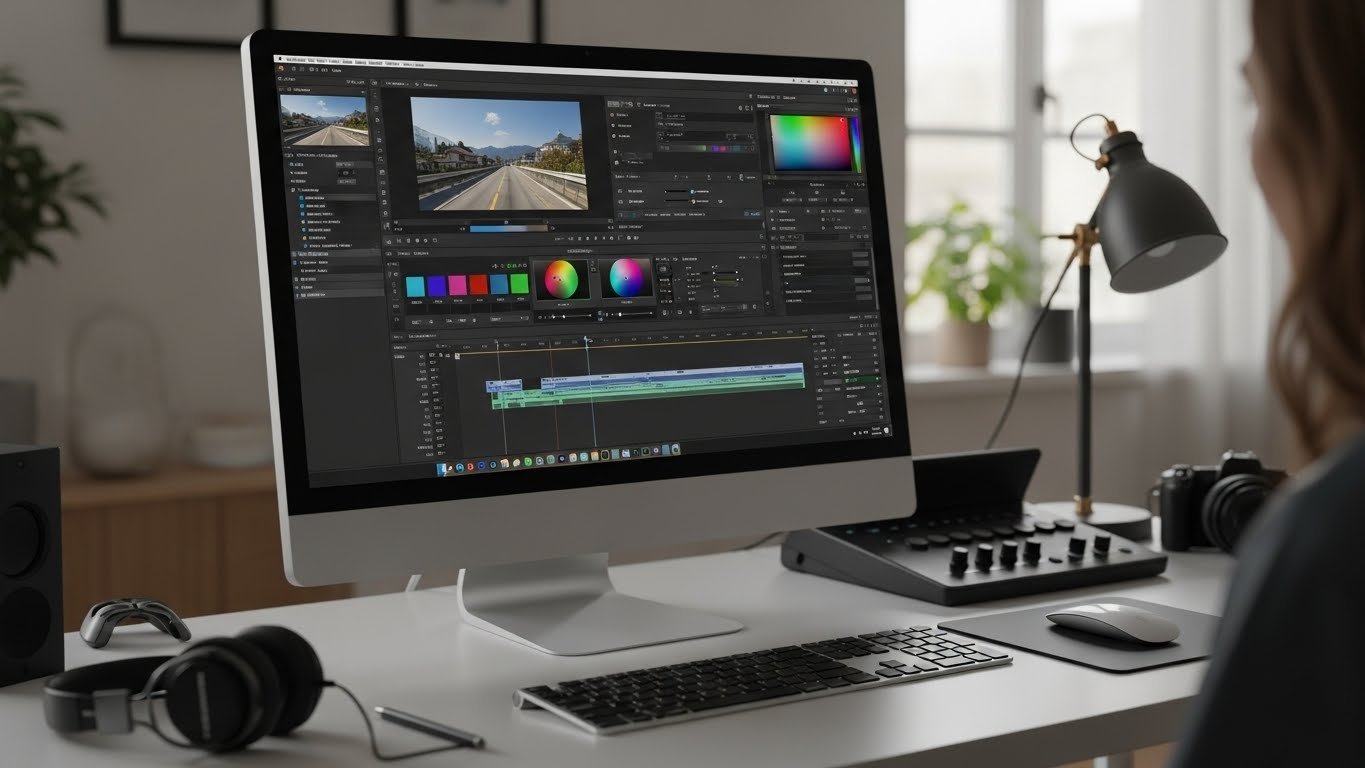
DaVinci Resolve is a professional video editing and color grading application developed by Blackmagic Design. It’s widely used in Hollywood films, television productions, YouTube channels, and corporate videos. What makes it stand out is that the free version is not a “lite” editor. Instead, it offers a complete post-production workflow in a single application.
Table of Contents
- What Is DaVinci Resolve and Why Is It So Popular?
- DaVinci Resolve Download: Getting Started the Right Way
- Professional Editing Tools Included for Free
- Industry-Leading Color Grading at No Cost
- Fusion Visual Effects Built Right In
- Fairlight Audio Tools for Professional Sound
- High-Quality Export Options Without Watermarks
- User Interface Designed for Real Workflows
- Hardware and Performance Advantages
- need.
- Limitations to Be Aware Of
- Why DaVinci Resolve Stands Out Among Free Editors
- Frequently Asked Questions
Unlike many editing software options that are designed only for casual users, DaVinci Resolve was built with professionals in mind. The free version includes advanced tools for editing, color correction, audio post-production, and even visual effects.
DaVinci Resolve Download: Getting Started the Right Way
The DaVinci Resolve download process is straightforward and available for Windows, macOS, and Linux, making it one of the most popular free software tools today.
Once installed, you get immediate access to the same interface used by professional editors worldwide.
The free version is fully functional without watermarks, export limits, or trial restrictions. This alone sets it apart from most free video editing software options on the market.
Professional Editing Tools Included for Free
One of the biggest surprises for new users is just how complete the editing tools are in DaVinci Resolve’s free version.
Non-Linear Editing Timeline
The Edit page provides a fast, intuitive timeline that supports multi-track editing. You can cut, trim, ripple, and rearrange clips with precision. Keyboard shortcuts and smart tools make it easy to work efficiently, even on complex projects.
Advanced Trimming and Cutting Tools
DaVinci Resolve includes professional trimming modes like ripple, roll, slip, and slide edits. These tools allow you to fine-tune your edits without constantly moving clips around manually.
Unlimited Video and Audio Tracks
Many free editors limit the number of tracks you can use. DaVinci Resolve does not. You can work with as many video and audio tracks as your system can handle, which is ideal for interviews, documentaries, and layered content.
Industry-Leading Color Grading at No Cost
Color grading is where DaVinci Resolve truly shines, offering features similar to other professional video editing apps.
In fact, it’s considered the gold standard for color work in the film industry.
Node-Based Color Correction
The free version includes DaVinci’s famous node-based color grading system. This allows you to build complex color corrections step by step, giving you more control than simple slider-based tools.
Primary and Secondary Color Tools
You can adjust exposure, contrast, highlights, shadows, and color balance with precision. Secondary tools let you isolate specific colors or areas of the image for targeted corrections.
LUT Support
DaVinci Resolve supports LUTs (Look-Up Tables), allowing you to apply cinematic color styles quickly. You can use built-in LUTs or import your own, even in the free version.
Fusion Visual Effects Built Right In
Unlike most free video editors, DaVinci Resolve includes Fusion, a powerful visual effects system.
Motion Graphics and Titles
You can create animated titles, lower thirds, and motion graphics without leaving the app. While some advanced effects are reserved for the paid version, the free tools are more than enough for most creators.
Green Screen and Keying Tools
Chroma keying tools are available in the free version, making it possible to remove green screens and composite footage cleanly.
Basic Compositing
Layering images, videos, and effects is straightforward, giving you creative flexibility usually found only in premium software.
Fairlight Audio Tools for Professional Sound
Audio is often overlooked in free editors, but DaVinci Resolve treats it as a priority, just like other top free video editing tools.
Multi-Track Audio Editing
The Fairlight page offers professional audio editing with support for multiple tracks, automation, and precise waveform editing.
Built-In Audio Effects
You get access to EQ, compression, noise reduction, and limiter tools. These features help clean up dialogue and enhance sound quality without external plugins.
Voice Isolation and Mixing Basics
While advanced AI tools are part of the paid version, the free tools are still powerful enough for podcasts, YouTube videos, and interviews.
High-Quality Export Options Without Watermarks
Many creators search for free video editing software da that doesn’t ruin exports with watermarks. DaVinci Resolve solves this problem completely.
Multiple Export Formats
You can export videos in common formats like MP4, MOV, and more. Presets for YouTube, Vimeo, and social media platforms are included.
Up to 4K Resolution
The free version supports exports up to 4K resolution, which is impressive for a no-cost editor.
No Time Limits or Watermarks
Your final videos remain clean and professional, regardless of length or resolution.
User Interface Designed for Real Workflows
DaVinci Resolve uses a page-based workflow that separates tasks into Edit, Cut, Color, Fusion, Fairlight, and Deliver pages. This design helps users focus on one task at a time, improving efficiency and reducing clutter.
For beginners, this structure may feel different at first, but it quickly becomes intuitive and organized.
Hardware and Performance Advantages
DaVinci Resolve is optimized to take advantage of modern hardware.
- GPU acceleration for smoother playback
- Efficient handling of high-resolution footage
- Stable performance even on longer timelines
While powerful hardware improves performance, the software remains usable on mid-range systems, especially when optimized properly.
need.
Limitations to Be Aware Of
Although the free version is powerful, it does have some limitations:
- No advanced AI tools like object masking
- Limited HDR grading options
- No collaborative multi-user features
For many users, these limitations won’t affect daily editing tasks.
Why DaVinci Resolve Stands Out Among Free Editors
Compared to other free editing software options, DaVinci Resolve offers unmatched depth and professional credibility. It doesn’t feel like a stepping stone—it feels like a complete solution.
The fact that professionals use the same software for blockbuster films and personal projects speaks volumes about its quality.
Frequently Asked Questions
Is DaVinci Resolve really free to use?
Yes, DaVinci Resolve offers a fully functional free version with no watermarks, time limits, or forced upgrades.
Is DaVinci Resolve good for beginners?
It has a learning curve, but beginners can start with basic editing tools and grow into advanced features over time.
Does the free version support 4K editing?
Yes, the free version supports editing and exporting videos up to 4K resolution.
Can I use DaVinci Resolve for YouTube videos?
Absolutely. Many YouTubers rely on DaVinci Resolve for editing, color grading, and audio production.
Is DaVinci Resolve better than other free video editors?
For users seeking professional-level tools without paying upfront, DaVinci Resolve is often considered the best free option available.






