



Best Ways to Convert XML File to PDF Online Without Software Installation
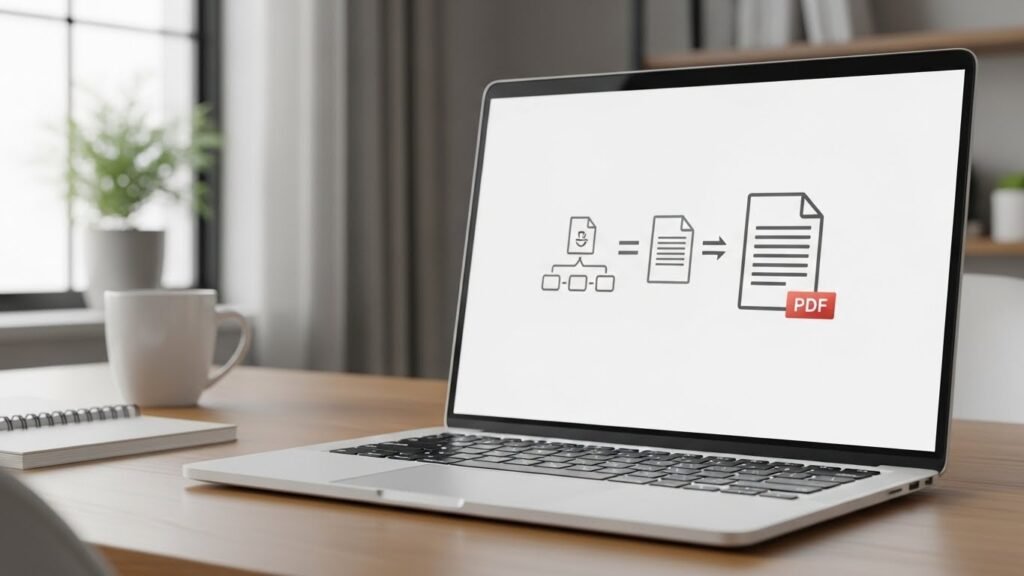
Working with XML files is common in modern digital workflows, especially for invoices, reports, and structured data exchange, which is why understanding Extensible Markup Language (XML) is essential. But XML files are not always easy to read or share with non-technical users. This is where the need to convert XML file to PDF online becomes important. A PDF version is clean, professional, and universally accessible on almost any device, which is why many users rely on secure document conversion tools.
Table of Contents
- Why Convert XML Files to PDF?
- Understanding XML to PDF Conversion
- Best Ways to Convert XML File to PDF Online
- Security and Privacy Considerations
- Common Use Cases for XML to PDF Conversion
- Limitations of Free Online XML to PDF Converters
- How to Choose the Right XML to PDF Solution
- Best Practices for Accurate XML to PDF Conversion
- Frequently Asked Questions
The good news is that you no longer need heavy desktop software or complex setups to handle this task. Today, several online tools and services allow you to convert XML files into polished PDF documents directly from your browser. In this guide, we’ll explore the best ways to do it securely, efficiently, and without installing any software.
Why Convert XML Files to PDF?
Before diving into tools and methods, it’s important to understand why XML-to-PDF conversion is so widely used across industries.
- Better readability: XML is structured for machines, not humans. PDFs present the data in a clear, visual format.
- Professional sharing: PDFs look consistent across devices and are suitable for clients, partners, and regulators.
- Document integrity: PDF files preserve layout and formatting, reducing the risk of accidental edits.
- Compliance and archiving: Many industries require invoices and reports in PDF format for record keeping.
For these reasons, businesses and individuals often rely on an XML to PDF converter online to simplify their document workflows and reduce dependence on traditional desktop software.
Understanding XML to PDF Conversion
XML files store data in a structured, tag-based format. On their own, they do not define how the content should look visually. When you convert an XML file to PDF, the tool typically does one of the following:
- Applies a predefined template to format the XML data
- Uses an XSL or XSLT stylesheet to control layout
- Automatically generates a basic, readable PDF layout
Online converters handle this process behind the scenes, making it accessible even for users with no technical background.
Best Ways to Convert XML File to PDF Online
There are several reliable approaches depending on your needs, file complexity, and usage frequency. Below are the most practical options.
1. Online XML to PDF Converter Tools
The simplest way to convert XML file to PDF online is by using browser-based conversion tools. These platforms allow you to upload your XML file, process it on their servers, and download the resulting PDF.
Key benefits:
- No software installation required
- Works on Windows, macOS, Linux, and mobile devices
- Fast conversion for small to medium files
Most online converters also support drag-and-drop uploads and basic customization, making them ideal for occasional use.
2. XML Invoice to PDF Generator Platforms
For businesses dealing with billing documents, an XML invoice to PDF generator is often the best solution. These tools are designed specifically for invoice formats such as UBL, Factur-X, or custom XML schemas.
They typically provide:
- Invoice-ready PDF layouts
- Automatic mapping of XML fields to invoice sections
- Branding options like logos and headers
This approach is especially useful for finance teams, freelancers, and e-commerce platforms that generate invoices programmatically.
3. API for XML to PDF Conversion
If you need frequent or automated conversions, using an API for XML to PDF conversion is the most scalable option. APIs allow developers to integrate XML-to-PDF functionality directly into applications, websites, or backend systems.
Why choose an API?
- Automated document generation
- High-volume processing support
- Custom templates and layouts
- Minimal manual effort
Although APIs require some technical setup, they eliminate repetitive manual uploads and are ideal for SaaS products and enterprise workflows.
4. XML with XSL Stylesheet Conversion
Some online tools allow you to upload both an XML file and an XSL stylesheet. This gives you precise control over how the final PDF looks.
This method is recommended when:
- You already have an XSLT design
- You need consistent branding
- The XML structure is complex
While slightly more advanced, it provides professional-grade results without installing local software.
Security and Privacy Considerations
Uploading files to online services always raises valid security concerns. When choosing an XML to PDF converter online, keep the following points in mind:
- HTTPS encryption: Ensure the site uses secure connections.
- Auto-deletion policies: Prefer tools that delete files after conversion.
- No account requirement: Anonymous tools reduce data exposure.
- Compliance statements: Look for GDPR or similar compliance notices.
If you handle sensitive data such as invoices or personal records, security should be a top priority.
Common Use Cases for XML to PDF Conversion
XML to PDF conversion is used across many industries and scenarios:
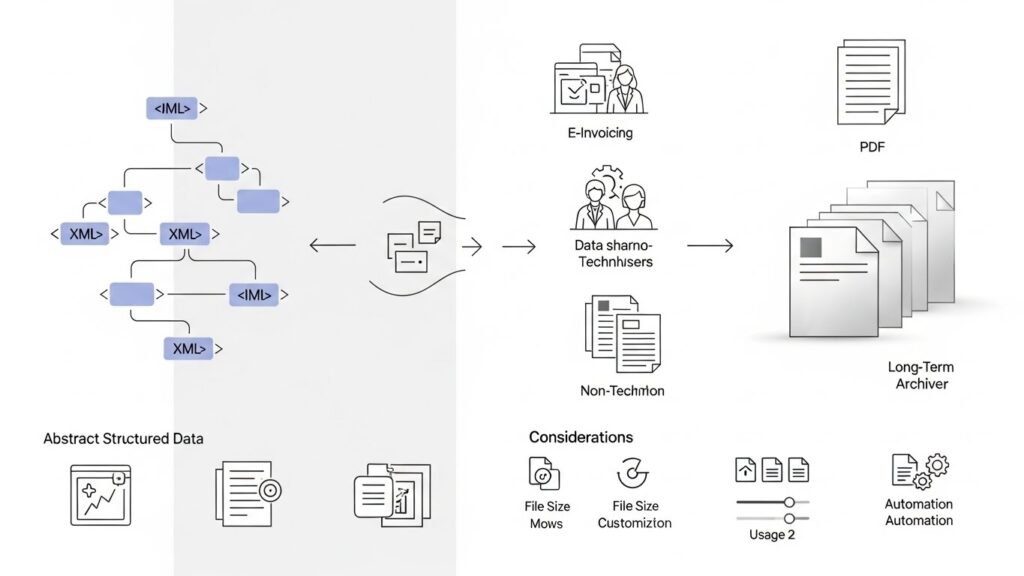
- E-invoicing: Converting XML invoices into customer-friendly PDFs
- Reporting: Generating readable reports from structured data
- Data exchange: Sharing XML-based information with non-technical users
- Archiving: Storing records in a stable, long-term format
In all these cases, the ability to convert XML file to PDF online without extra software saves time and simplifies workflows.
Limitations of Free Online XML to PDF Converters
While free tools are convenient, they often come with limitations:
- File size restrictions
- Limited customization options
- Daily or monthly usage caps
- Basic layouts without advanced styling
For professional or high-volume needs, APIs or paid platforms usually provide better reliability and control, similar to choosing scalable business software solutions.
How to Choose the Right XML to PDF Solution
Choosing the right method depends on your specific requirements. Ask yourself:
- How often do I need to convert XML files?
- Do I need custom layouts or branding?
- Is automation important?
- How sensitive is the data?
For occasional use, a simple XML to PDF converter online is usually sufficient. For business automation, APIs or specialized invoice generators are more suitable.
Best Practices for Accurate XML to PDF Conversion
To ensure smooth and accurate results:
- Validate your XML file before uploading
- Use consistent XML structures
- Test output PDFs for layout accuracy
- Keep templates simple and readable
These practices help avoid formatting issues and ensure professional-looking documents.
Frequently Asked Questions
Can I convert XML file to PDF online for free?
Yes, many online tools allow free XML to PDF conversion, usually with limits on file size or daily usage.
Is it safe to upload XML files to online converters?
It can be safe if the service uses encryption and deletes files automatically. Always review privacy policies before uploading sensitive data.
What is the best XML to PDF converter online for invoices?
Tools designed as XML invoice to PDF generators are best, as they provide invoice-specific layouts and formatting.
Do I need programming skills to use an API for XML to PDF conversion?
Basic development knowledge is required, but most APIs offer clear documentation and examples to simplify integration.
Can XML with XSL stylesheets be converted online?
Yes, some online converters support XML and XSL uploads together, allowing precise control over the PDF layout.






