


Best Web Design Tools for Modern and Responsive Website Layouts
Creating a modern website today is no longer just about good looks. It’s about speed, responsiveness, usability, and how smoothly everything works across devices. That’s why choosing the right website builder tools plays a critical role in building websites that feel professional, intuitive, and future-ready.
Whether you’re a beginner designing your first site or a seasoned designer working on client projects, the tools you use can significantly shape your results.
In this guide, we’ll explore the best web design tools available today for creating clean, responsive, and modern website layouts. We’ll break down what each tool does best, who it’s ideal for, and how it fits into real-world web design workflows.
Table of Contents
- Why Choosing the Right Web Design Tools Matters
- What Makes a Web Design Tool “Modern”?
- Best Web Design Tools for UI and Layout Design
- Best Web Design Tools for No-Code and Visual Builders
- Best Web Design Tools for Front-End Developers
- Best Tools for Design Systems and Consistency
- How to Choose the Best Web Design Tool for Your Needs
- FAQ: Web Design Tools
Why Choosing the Right Web Design Tools Matters
Web design has evolved rapidly over the last decade. According to W3Schools web design guide, users now expect websites to load quickly, adapt perfectly to any screen size, and deliver a seamless experience.
Good web design isn’t accidental—it’s the result of using the right tools combined with thoughtful design decisions.
Here’s why selecting good web design tools is so important:
- They help create responsive layouts without excessive coding
- They improve workflow efficiency and reduce design errors
- They ensure consistency across pages and devices
- They support collaboration between designers and developers
- They future-proof your designs with modern standards
In short, the right tools don’t just save time—they elevate the quality of your work.
What Makes a Web Design Tool “Modern”?
Not all design tools are built for today’s web. Modern web design tools share certain characteristics that align with current user expectations and development practices.
Key features to look for include:
- Responsive design support for mobile, tablet, and desktop
- Real-time previews across different screen sizes
- Clean export options for HTML, CSS, or frameworks
- Design systems and reusable components
- Cloud-based collaboration and version control
The best web design tools focus on both creativity and practicality, helping designers turn ideas into functional layouts quickly.
Best Web Design Tools for UI and Layout Design
Figma
Figma has become one of the most popular UI design tools in recent years—and for good reason.
It’s browser-based, fast, and designed for collaboration.
Why designers love Figma:
- Real-time collaboration with teams and clients
- Powerful auto-layout for responsive design
- Reusable components and design systems
- Easy sharing without file downloads
Figma is ideal for both beginners and professionals who want flexibility without complexity.
Adobe XD
Adobe XD is a solid choice for designers already familiar with Adobe’s ecosystem. It focuses on UI/UX design, prototyping, and interaction design.
Key strengths include:
- Responsive resize features
- Interactive prototypes
- Integration with Photoshop and Illustrator
- Clean interface for focused design work
It’s a reliable option for creating polished, modern layouts.
Sketch
Sketch remains a favorite among macOS users. While it’s not browser-based like Figma, it offers a focused design experience with a massive plugin ecosystem.
Sketch is especially useful for:
- UI design with symbols and components
- Precision layout control
- High-quality vector design
For designers who prefer desktop-based tools, Sketch is still one of the web design best tools available.
Best Web Design Tools for No-Code and Visual Builders
Webflow
Webflow bridges the gap between design and development. It allows designers to visually build responsive websites while generating clean HTML and CSS.
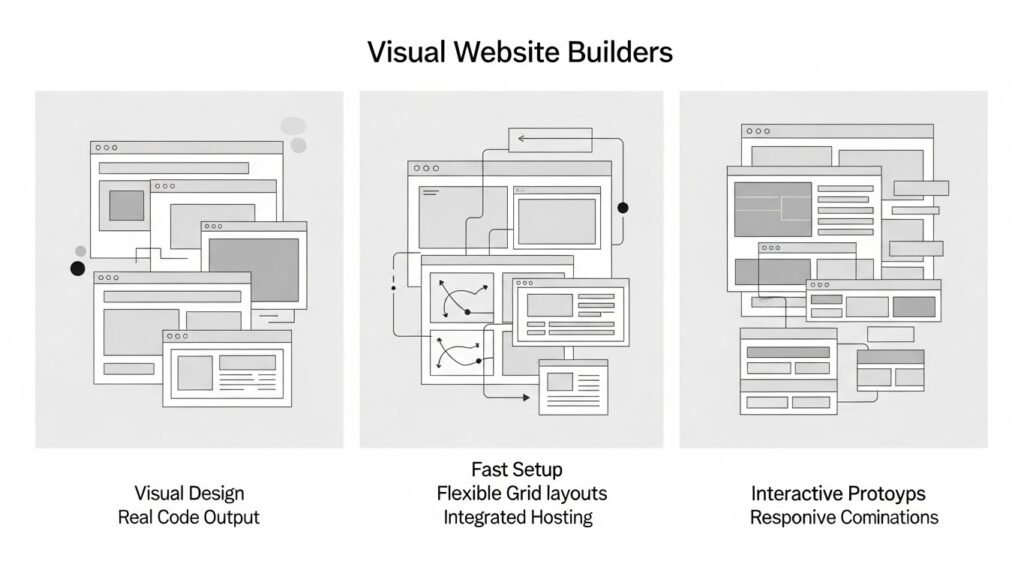
Why Webflow stands out:
- Visual design with real code output
- Advanced responsive controls
- CMS functionality built in
- Professional-grade animations
Webflow is perfect for designers who want more control without writing code from scratch.
Wix Studio
Wix has evolved far beyond basic templates. Wix Studio now offers advanced layout controls and responsive design features aimed at professionals.
Benefits include:
- Quick setup for modern websites
- Flexible layout grids
- Built-in hosting and optimization
It’s a strong option for freelancers and small teams.
Framer
Framer combines design, prototyping, and publishing into one platform. It’s particularly useful for interactive and animation-heavy layouts.
Framer works well for:
- High-fidelity prototypes
- Responsive components
- Modern landing pages
It’s one of the good web design tools for teams focused on user experience.
Best Web Design Tools for Front-End Developers
Visual Studio Code
While not a traditional design tool, Visual Studio Code is essential for turning designs into responsive websites.
Key features include:
- Live preview extensions
- Responsive testing tools
- Massive plugin library
It’s the backbone of modern web development workflows.
Bootstrap Studio
Bootstrap Studio is a visual editor built around the Bootstrap framework.
Why it’s useful:
- Grid-based responsive layouts
- Drag-and-drop components
- Clean Bootstrap code export
It’s ideal for developers who want speed without sacrificing structure.
Best Tools for Design Systems and Consistency
Storybook
Storybook helps teams build and maintain UI components in isolation.
It’s especially helpful for:
- Large-scale projects
- Consistent design systems
- Collaboration between designers and developers
Consistency is critical in modern web design, and Storybook supports that goal.
How to Choose the Best Web Design Tool for Your Needs
The best tool depends on your workflow, experience level, and project goals.
- Beginners: Start with Figma or Wix Studio
- Design-focused professionals: Figma, Sketch, or Adobe XD
- No-code builders: Webflow or Framer
- Developers: VS Code with modern frameworks
The most effective designers often combine multiple tools rather than relying on just one.
FAQ: Web Design Tools
What are the best web design tools for beginners?
Figma, Wix Studio, and Webflow are excellent for beginners because they balance ease of use with professional features.
Are free web design tools good enough for professional work?
Yes, many free versions offer powerful features. However, paid plans usually unlock advanced collaboration, export, and scalability options.
Which web design tools are best for responsive layouts?
Figma, Webflow, and Bootstrap Studio are particularly strong when it comes to responsive design controls.
Do designers still need coding knowledge?
While no-code tools reduce the need for coding, basic HTML and CSS knowledge still helps designers create better, more flexible layouts.
Can one tool handle the entire web design process?
Some tools come close, but most professionals prefer a combination of design, prototyping, and development tools for the best results.






