


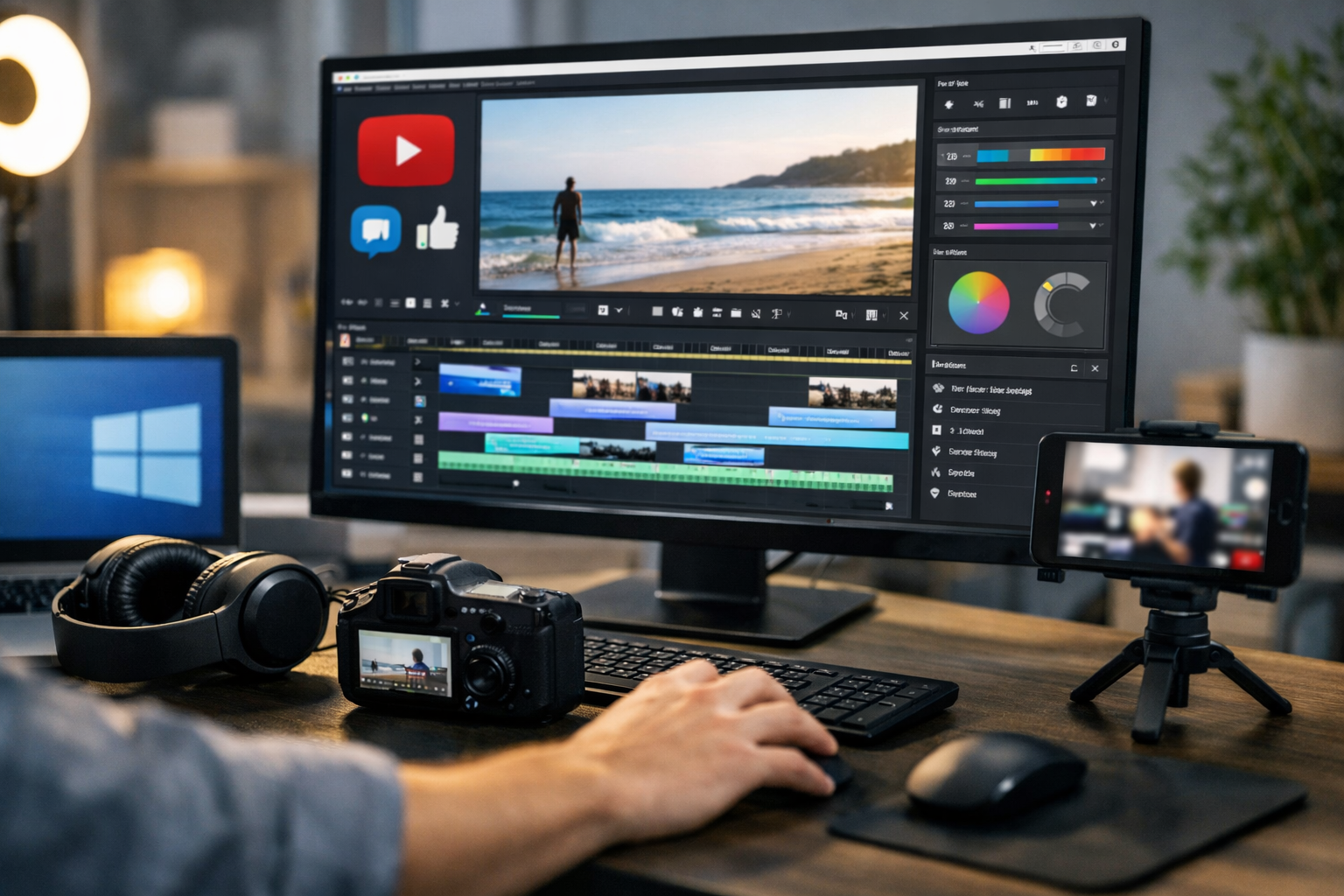
Best Video Editing Free Software Windows for YouTube and Social Media Videos
Creating high-quality videos no longer requires expensive software or a powerful studio setup, as many modern tools now offer professional features found in traditional video editing software. Today, many creators rely on the best video editing free software Windows offers to produce professional-looking YouTube and social media videos. Whether you are just starting out or want a reliable free editor for regular content, the right tool can save time, reduce frustration, and improve your results.
Table of Contents
- Why Choosing the Right Free Video Editor Matters
- What to Look for in the Best Free Video Editing Software
- DaVinci Resolve (Free Version)
- Shotcut
- OpenShot Video Editor
- VSDC Free Video Editor
- Canva Video Editor (Desktop Version)
- Best Video Editing Software for Different Creator Needs
- Tips for Getting Better Results with Free Video Editors
- FAQ: Best Video Editing Free Software Windows
In this guide, I’ll walk you through the most trusted and practical free video editors for Windows. These tools are widely used by YouTubers, content creators, and small businesses who want strong features without paying a monthly subscription. I’ll also explain who each tool is best for, their strengths, and their real limitations, so you can make a confident decision.
Why Choosing the Right Free Video Editor Matters
Video editing is more than just cutting clips together. A good editor helps you tell a story, keep viewers engaged, and present your content professionally. The best free video editing softw should feel easy to use, even if you are new, while still offering enough power to grow with your skills.
Many beginners make the mistake of choosing software that is either too basic or too complex. Too simple, and you’ll quickly hit limits. Too advanced, and you may feel overwhelmed. The tools below strike a practical balance for Windows users focused on YouTube and social media.
What to Look for in the Best Free Video Editing Software
Before jumping into specific tools, it helps to understand what really matters when choosing a free editor.
- Ease of use: A clean interface and simple workflow save time.
- Export quality: Your videos should look sharp, even in the free version.
- No heavy watermarks: Some free tools add distracting logos.
- Social media formats: Support for vertical, square, and widescreen videos.
- Stable performance: Smooth editing without frequent crashes.
The following software options are popular because they meet most of these needs while remaining free.
DaVinci Resolve (Free Version)
DaVinci Resolve is often mentioned as the best video editing software available for free on Windows, and for good reason. It delivers professional-level tools that many paid editors struggle to match.
Why DaVinci Resolve Stands Out
- Advanced color correction tools used in professional filmmaking
- Powerful timeline editing with precision controls
- High-quality exports without watermarks
- Built-in audio editing with Fairlight tools
For YouTube creators who want cinematic quality or plan to grow into more advanced editing, DaVinci Resolve pairs well with learning tools like proper video stabilization techniques for smoother results.
Things to Keep in Mind
The main drawback is its learning curve. Beginners may find it overwhelming at first, and it works best on reasonably powerful Windows PCs. If your computer is older, performance may be slower.
Shotcut
Shotcut is a lightweight, open-source editor that focuses on simplicity and flexibility. It’s a strong option for creators who want a straightforward editing experience without sacrificing control.
Key Features
- Simple drag-and-drop interface
- Supports a wide range of video formats
- No watermarks or export limits
- Good support for YouTube and social media resolutions
Shotcut works well for basic to intermediate projects, such as vlogs, tutorials, and short social media clips, especially when combined with simple photo to video animation workflows.
Limitations
While reliable, Shotcut lacks some advanced effects and polish found in more complex editors. Still, for many users, it covers all essential needs.
OpenShot Video Editor
OpenShot is another popular free editor for Windows, especially among beginners. Its design focuses on ease of use and fast results.
Why Beginners Like OpenShot
- Very simple interface
- Quick learning curve
- Basic transitions, titles, and effects included
- Supports common video formats
If your goal is to create simple YouTube videos or short social media content without spending hours learning software, OpenShot can be a comfortable starting point.
Where It Falls Short
OpenShot may feel limited for advanced editing, and performance can vary depending on system resources. It’s best for light projects rather than complex timelines.
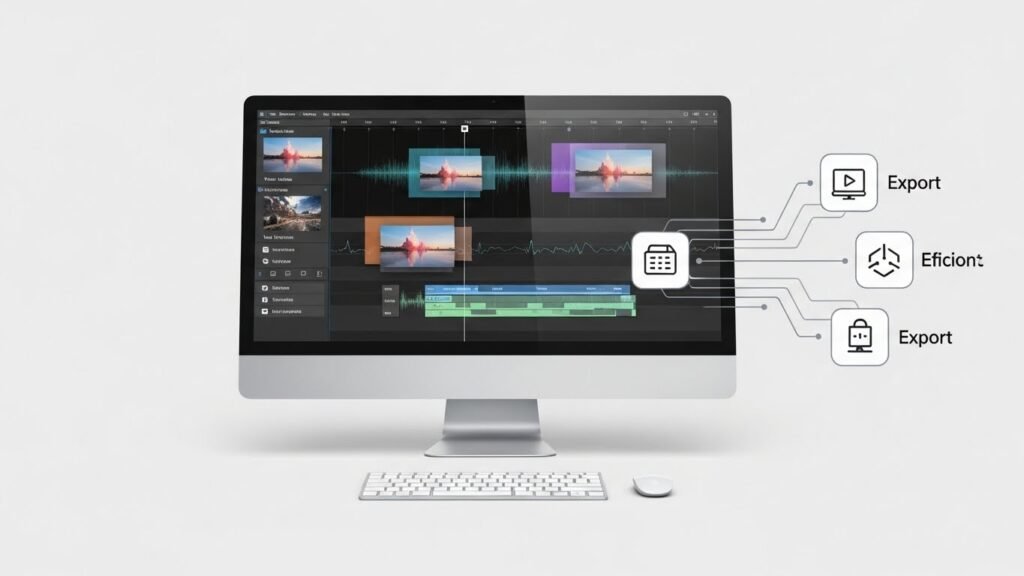
VSDC Free Video Editor
VSDC is a Windows-only editor that offers surprisingly advanced features for a free tool. It’s often recommended for users who want more control without paying.
Notable Strengths
- Non-linear editing for creative freedom
- Wide range of visual and audio effects
- Export presets for YouTube and social media
- Low system requirements compared to other advanced editors
VSDC can be a good middle ground between beginner-friendly tools and professional software.
What to Expect
The interface may feel slightly outdated, and some advanced features are locked behind the paid version. Still, the free version is powerful enough for most creators.
Canva Video Editor (Desktop Version)
While Canva is best known as a design tool, its video editor has become popular for social media content. It’s especially useful for short-form videos.
Why Social Media Creators Use Canva
- Extremely easy to use
- Pre-made templates for YouTube Shorts, Reels, and TikTok
- Quick text animations and graphics
- Cloud-based workflow with Windows support
Canva is ideal if your content focuses on captions, graphics, and fast turnaround rather than detailed video editing, making it popular alongside UGC video creation tools.
Limitations
Canva is not designed for complex timelines or advanced editing. It works best as a simple, fast content creation tool.
Best Video Editing Software for Different Creator Needs
Choosing the best video editing software fo your needs depends on your goals and experience level.
- Absolute beginners: OpenShot or Canva
- YouTube creators aiming to grow: DaVinci Resolve or VSDC
- Lightweight editing on older PCs: Shotcut or VSDC
- Social media-focused creators: Canva or Shotcut
There is no single “perfect” editor. The best choice is the one that fits your workflow and content style.
Tips for Getting Better Results with Free Video Editors
Even the best free software works better when used correctly.
- Start with simple edits and gradually explore advanced tools
- Use proper export settings for YouTube and social platforms
- Keep your system updated for smoother performance
- Focus on storytelling, not just effects
Good editing is about clarity and pacing, not flashy transitions.
FAQ: Best Video Editing Free Software Windows
Is free video editing software good enough for YouTube?
Yes. Many successful YouTubers use free editors like DaVinci Resolve or Shotcut. The quality depends more on your editing skills than the software price.
Does free video editing software add watermarks?
Most reputable free editors listed here do not add watermarks. Always check export settings to be sure.
Which free editor is best for low-end Windows PCs?
VSDC and Shotcut are generally more forgiving on older systems compared to heavier tools like DaVinci Resolve.
Can I edit vertical videos for social media?
Yes. Most modern free editors support vertical and square formats suitable for Shorts, Reels, and TikTok.
Do I need advanced skills to start?
No. Many tools are beginner-friendly and offer tutorials. You can learn as you create.
Choosing the right free video editor on Windows is about matching your creative goals with the tool that feels comfortable and reliable. With the options above, you can confidently create YouTube and social media videos that look professional without spending anything.






