


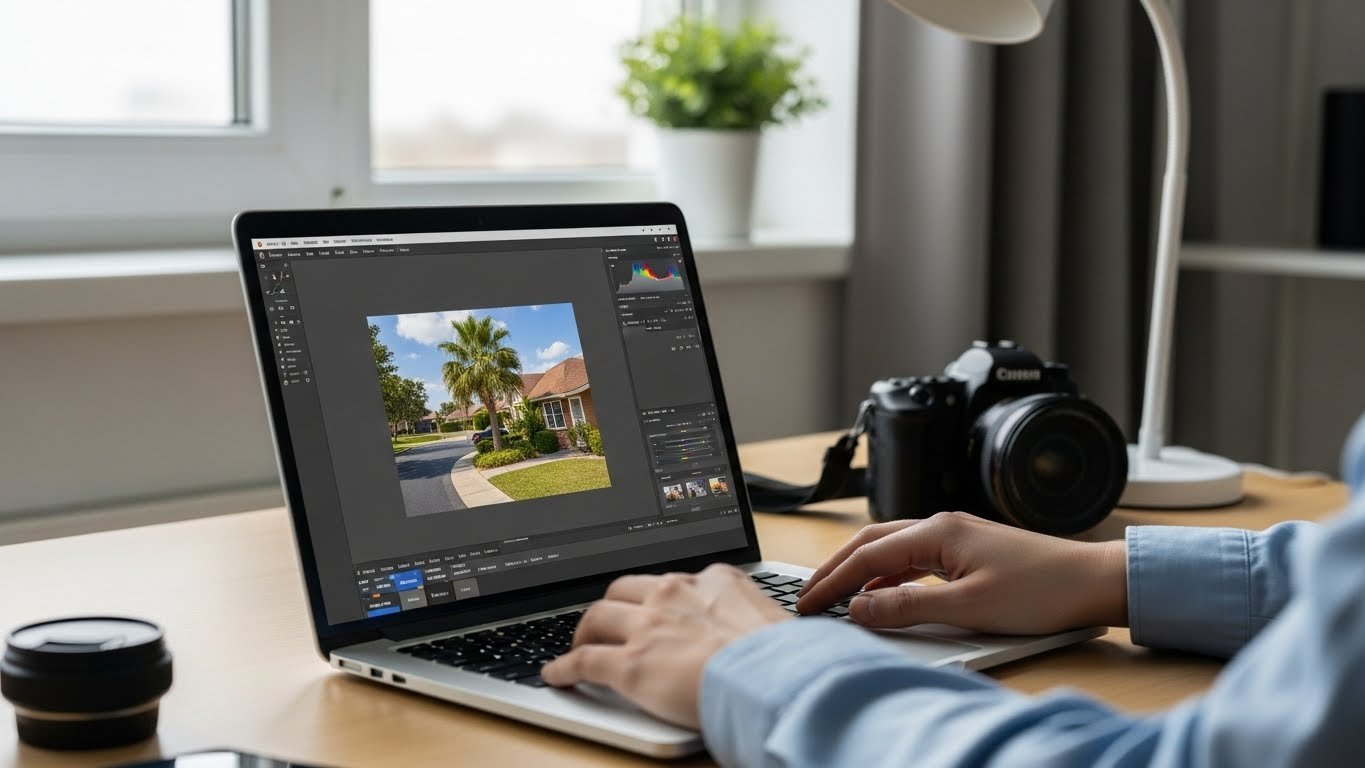
Best Photo Editing Software Free for Amazing Photos
Looking for the best photo editing software free can be overwhelming, especially when you’re also trying to avoid unnecessary software costs.
Whether you’re a beginner or an experienced photographer, finding a tool that helps you create stunning images without spending a dime is possible when you understand the basics of digital image editing.
In this guide, we’ll explore top free photo editors, including Lightroom free alternatives for beginners, free Photoshop alternatives 2026, and the best free photo editor for PC.
Why You Need the Right Free Photo Editing Software
Choosing the right photo editing software is essential for producing professional-looking images. The right tool can save you time, improve your workflow, and give your photos the polish they deserve. Even if you’re just starting out, a good free editor can help you learn essential skills like color correction, retouching, and adding creative effects.
Table of Contents
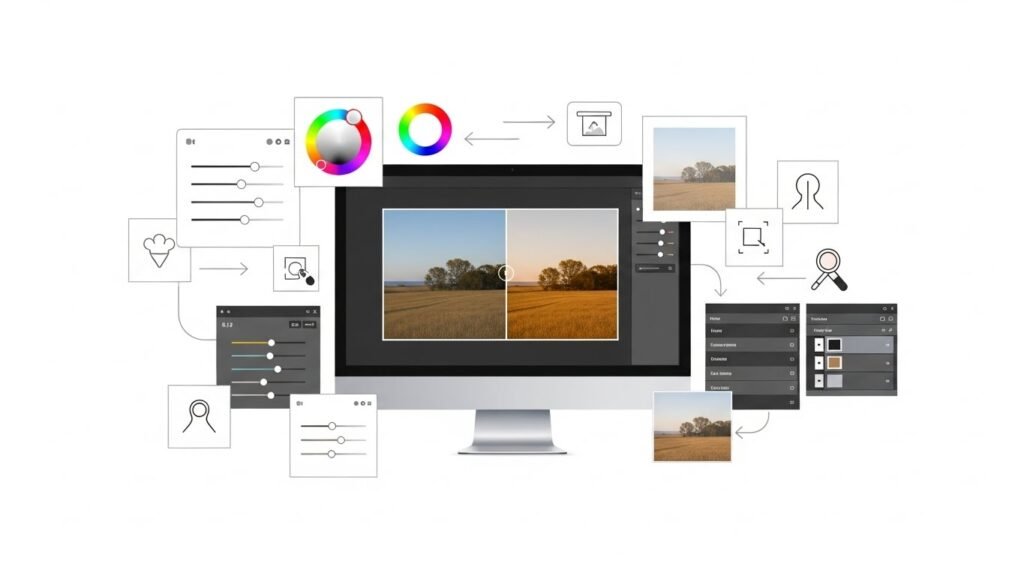
Top Free Lightroom Alternatives for Beginners
Lightroom is popular for its powerful editing and organizational features, but it can be pricey compared to smarter pricing models in modern software.
Luckily, several free alternatives give beginners a similar experience:
- Darktable: An open-source photo editor with advanced editing capabilities. Perfect for RAW image processing and basic adjustments.
- RawTherapee: Another free option for RAW photo editing, offering excellent color correction tools and professional-grade features.
- Polarr: Great for beginners who want easy-to-use filters, adjustments, and layer-based editing without overwhelming complexity.
Best Free Photoshop Alternatives 2026
If you’re used to Photoshop but don’t want to pay, there are several free alternatives in 2026 that mimic its functionality:
- GIMP: One of the most well-known free Photoshop alternatives. Offers layers, masks, and a wide range of plugins.
- Photopea: Browser-based editor that looks and feels like Photoshop, supporting PSD files and advanced editing tools.
- Krita: Ideal for digital painting and photo retouching, with customizable brushes and editing features similar to Photoshop.
Best Free Photo Editor for PC
Finding the best free photo editor for PC depends on your needs. Here are some reliable options:
- Paint.NET: Lightweight, beginner-friendly, and perfect for quick edits and enhancements.
- Canva Free, while more design-focused, is excellent for creating social media-ready images without paying for premium creative tools.
- Fotor: Offers both online and desktop versions, with one-click enhancements, batch processing, and creative templates.
Features to Look for in Free Photo Editing Software
When evaluating free photo editors, consider these key features:
- RAW Support: Essential if you work with professional cameras or want maximum image quality.
- Layer and Masking Tools: Allows complex edits without damaging the original image.
- Filters and Presets: Quick ways to enhance photos and experiment with styles.
- User-Friendly Interface: Beginners should prioritize easy navigation and accessible tools.
- Regular Updates: Look for active development to ensure compatibility and new features.
Tips for Getting the Most Out of Free Photo Editors
Even the best free software can feel limited if you don’t know how to use it. Here are some tips to maximize your results:
- Start with basic edits like cropping, straightening, and adjusting brightness/contrast.
- Explore free tutorials online for your chosen software—many offer beginner-friendly guides.
- Experiment with layers and masks to make non-destructive edits.
- Use free plugins and add-ons to expand the software’s capabilities.
- Practice regularly to develop your eye for color, composition, and detail.
Conclusion
Finding the best photo editing software free doesn’t have to be difficult. Whether you’re looking for Lightroom free alternatives for beginners, free Photoshop alternatives 2026, or the best free photo editor for PC, there are plenty of powerful options available. With the right tools and practice, you can create stunning photos without spending a cent.

FAQ
What is the best free photo editing software for beginners?
Darktable, RawTherapee, and Polarr are excellent choices for beginners. They are easy to use while offering powerful editing features.
Can I use free software instead of Photoshop?
Yes! GIMP, Photopea, and Krita are great free Photoshop alternatives that support layers, masks, and advanced editing tools.
Which free photo editor is best for PC in 2026?
Paint.NET, Canva Free, and Fotor are among the best free photo editors for PC, offering a balance of ease of use and powerful features.






