


Best Free Project Management Software to Boost Team Collaboration
Managing a team efficiently can be challenging, especially when juggling multiple tasks, deadlines, and priorities. The good news is that the best free project management software can simplify your workflow, improve collaboration, and keep everyone aligned by following proven project management principles.
Whether you’re a startup, a small business, or a remote team, free project management tools can be a game-changer when paired with smart software cost-saving strategies.
Why Teams Need Free Project Management Software
Team collaboration goes beyond just sharing files or sending emails. Without a clear system, tasks can get lost, deadlines missed, and communication can become chaotic. Free project management software for teams helps by:
Table of Contents
- Organizing Tasks: Assign responsibilities, track progress, and prioritize work.
- Enhancing Communication: Centralize team discussions and updates.
- Improving Transparency: Everyone knows what’s happening and who is responsible.
- Saving Time: Reduce back-and-forth emails and manual tracking.
Top Features to Look for in Free Project Management Tools
Not all free project management tools are created equal, especially when comparing long-term software value and feature limitations.
Here’s what to look for when choosing the best free project management software:
- Task Management: Create, assign, and track tasks easily.
- Collaboration Tools: Team chat, file sharing, and comment sections.
- Project Views: Kanban boards, calendars, or lists for better organization.
- Integration: Connect with tools like Google Drive, Slack, or email services.
- Limited Users vs Unlimited Users: Check if the free plan fits your team size.
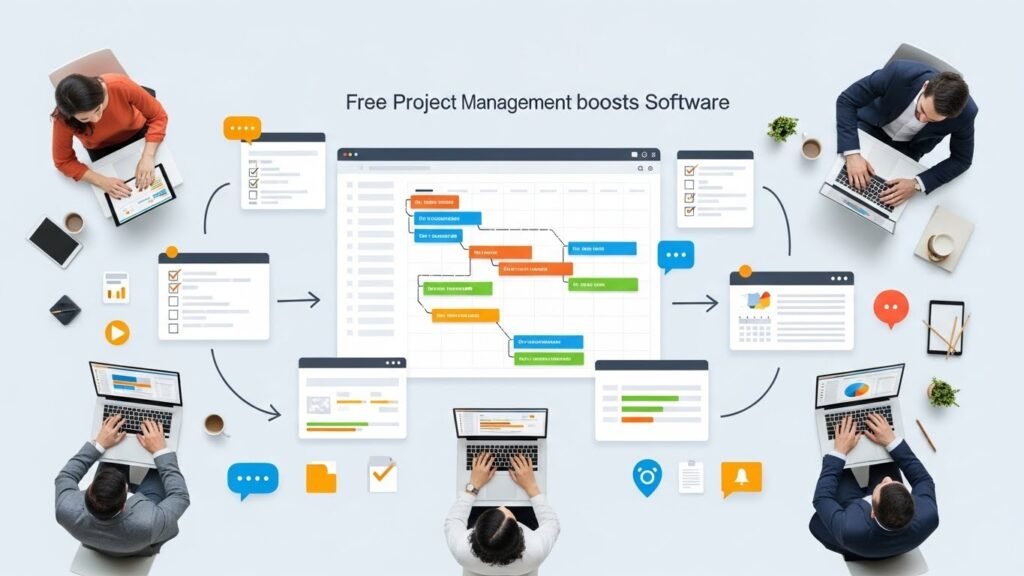
Best Free Project Management Software for Teams
Here’s a breakdown of some of the most popular free project management software for teams in 2026:
1. Trello
Trello uses a visual Kanban-style board to help teams manage tasks and projects. Its free plan is ideal for small teams and offers:
- Unlimited personal boards
- Up to 10 team boards
- Task assignment and due dates
- Integration with 10 apps like Slack or Google Drive
Trello is perfect for teams who prefer a visual workflow and simple drag-and-drop task management.
2. Asana
Asana is another top contender with a free plan that works well for teams up to 15 members. Key features include:
- Task and project management with multiple views
- Basic dashboards for tracking progress
- Team collaboration through comments and file sharing
- Integration with Google Workspace, Slack, and more
Asana is great for teams that need structured task management with clear timelines and milestones.
3. ClickUp
ClickUp’s free plan is generous, offering a wide range of features that include:
- Unlimited tasks and members
- Kanban, List, and Calendar views
- Time tracking and document storage
- Basic automation for repetitive tasks
ClickUp is ideal for teams that want an all-in-one platform without paying for multiple tools or investing in premium productivity software.
Trello vs Asana Free Plan Comparison
Choosing between Trello and Asana can be tricky. Here’s a side-by-side comparison of their free plans:
- Team Size: Trello allows unlimited members, Asana limits to 15.
- Project Views: Trello focuses on Kanban boards, Asana offers lists, boards, and basic timelines.
- Integrations: Trello integrates with 10 apps, Asana with more advanced integrations on paid plans.
- Task Management: Both allow task assignments, due dates, and checklists, but Asana has more advanced project tracking tools.
Ultimately, Trello works best for visual boards and simple workflows, while Asana is better for teams needing structured project timelines.
Other Notable Free Project Management Tools 2026
- Monday.com Free Plan: Limited to 2 users but offers a highly visual and intuitive interface.
- Wrike Free: Allows 5 users, with task management and real-time collaboration.
- Notion: Combines notes, tasks, and project boards, ideal for creative teams and startups.
Tips for Maximizing Free Project Management Software
Even with free tools, you can boost team productivity by following these tips:
- Set Clear Goals: Define what each project or task is meant to achieve.
- Regular Updates: Encourage team members to update task status daily.
- Use Templates: Pre-built templates save time and maintain consistency.
- Integrate Wisely: Connect with tools your team already uses to reduce friction.
FAQ
What is the best free project management software for small teams?
Trello and Asana are both excellent options. Trello is best for visual task management, while Asana is great for structured workflows and timelines.
Can free project management tools handle large teams?
Most free plans have user limits or feature restrictions. For larger teams, consider tools like ClickUp, which offers unlimited users even on its free plan.
Is Trello or Asana better for remote teams?
Both are suitable, but Trello’s visual boards are easier for quickly understanding project status, while Asana provides better timeline tracking for complex projects.
Do free tools integrate with other apps?
Yes, most free project management software like Trello, Asana, and ClickUp offer integrations with essential tools such as Google Drive, Slack, and email platforms, though some advanced integrations may require paid plans.






