


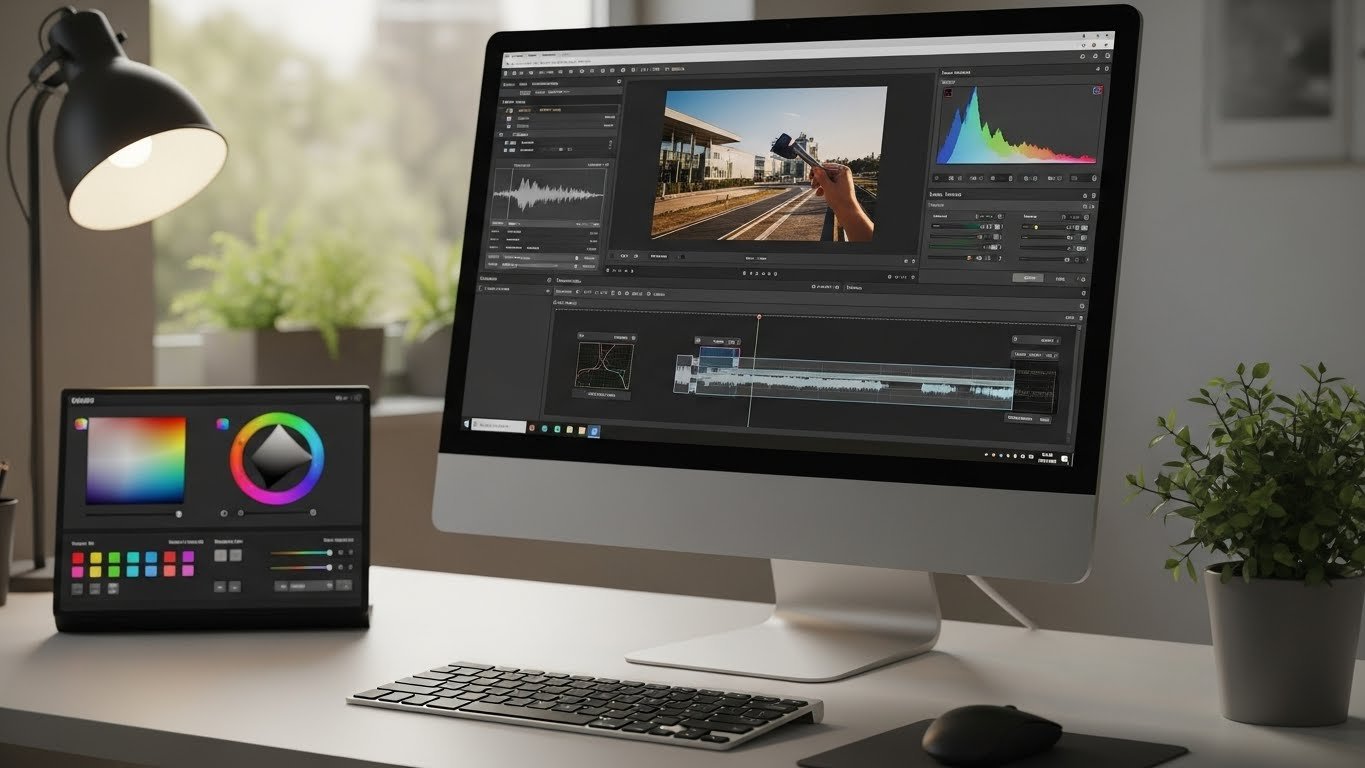
Best Free Color Grading Software for Beginners and Content Creators
Finding the right free color grading software can feel overwhelming, especially if you’re new to video editing or creating content on a budget. Color grading is one of the most important steps in making videos look professional, emotional, and visually consistent. The good news is that you don’t need expensive tools to get started. Today, many powerful free options offer features once reserved for high-end studios.
Table of Contents
- Why Beginners Should Use Free Color Grading Software
- Key Features to Look for in Free Color Grading Software
- Best Free Color Grading Software Options
- Free Color Grading Software for Image Editing
- How to Choose the Right Free Color Grading Software
- Common Mistakes Beginners Make in Color Grading
- Learning Color Grading Faster as a Beginner
- FAQ
In this guide, we’ll explore the best free color grading software for beginners and content creators. I’ll explain what color grading is
What Is Color Grading and Why Does It Matterally is why it matters, how these tools compare, and which one might suit your workflow best. Whether you create YouTube videos, social media content, short films, or tutorials, this article works well alongside beginner-friendly video editing toolsthat many creators already use.
Color grading is the process of adjusting and enhancing the colors in your video to achieve a specific look or mood, similar to how professionals describe it in detailed professional color grading guides.
It goes beyond simple color correction, which focuses on fixing exposure and white balance. Color grading adds style, emotion, and visual storytelling to your content.
Even simple videos can feel more professional with proper color grading. Skin tones look natural, shadows feel balanced, and the overall image becomes more engaging. For beginners, learning color grading early helps build strong visual habits that improve content quality over time.
Color Grading vs Color Correction
Many beginners confuse these two terms. Color correction is about making footage look natural and accurate. Color grading is about creative expression. Most free tools include both, allowing you to fix issues first and then apply a stylistic touch.
Why Beginners Should Use Free Color Grading Software
Starting with free tools removes financial pressure while you learn the basics. Beginners can experiment freely, make mistakes, and build confidence without worrying about subscription costs. Many free tools also share similar interfaces and concepts with paid software, making future upgrades easier.
Another advantage is accessibility. Free software often works across multiple platforms and integrates with basic image editing software or video editors you may already use.
Key Features to Look for in Free Color Grading Software
Not all free tools are beginner-friendly. Before choosing one, it’s important to understand which features truly matter at the start.
- Color Wheels: Essential for adjusting shadows, midtones, and highlights.
- LUT Support: Lets you apply preset looks quickly.
- Scopes: Helps you understand exposure and color balance visually.
- Simple Interface: Reduces the learning curve.
- Video and Image Support: Useful if you also work with image editing software.
With these basics, you can produce polished results even as a beginner.
Best Free Color Grading Software Options
Below are some of the most reliable and widely used free tools available today. Each one suits a slightly different type of creator.
DaVinci Resolve (Free Version)
DaVinci Resolve is often considered the gold standard for color grading, even among professionals. Its free version is incredibly powerful and widely used in the film and TV industry.
For beginners, DaVinci Resolve might look intimidating at first, but it offers unmatched control over color grading. Once you understand the basics, you’ll realize how flexible and precise it is.
- Professional-level color wheels and curves
- Advanced scopes for accurate grading
- Supports high-quality video formats
- Includes basic editing and audio tools
If you’re serious about learning color grading long-term, this is one of the best color grading software options available.
HitFilm Free
HitFilm Free combines video editing, visual effects, and color grading in one package. It’s especially popular among YouTubers and beginner filmmakers.
The color grading tools are simpler than DaVinci Resolve but easier to learn. This makes HitFilm a good starting point if you want solid results without a steep learning curve.
- User-friendly interface
- Good balance of editing and color tools
- Ideal for social media and YouTube videos
Shotcut
Shotcut is an open-source video editor that includes basic color grading features. While it doesn’t offer advanced professional tools, it’s lightweight and beginner-friendly.
If your goal is simple color adjustments and consistency across videos, Shotcut can do the job without overwhelming you.
- Easy to install and use
- Supports multiple formats
- Basic color filters and adjustments
Lightworks Free
Lightworks has been used in professional film projects, and its free version still offers respectable color grading tools. It’s suitable for beginners who want a more traditional editing workflow.
While export options are limited in the free version, the color controls are more than enough for learning.
- Professional-style interface
- Reliable color correction tools
- Good for structured editing projects
Free Color Grading Software for Image Editing
Many content creators also work with thumbnails, posters, or social media images, often relying on trusted image resources.
Some image editing software includes color-grading-style tools that complement video workflows.
GIMP
GIMP is a powerful open-source image editing software that offers advanced color control. While it’s not designed for video, its color curves, levels, and grading tools are excellent for learning color theory.
Understanding color grading through still images can make video grading much easier later on.
Darktable
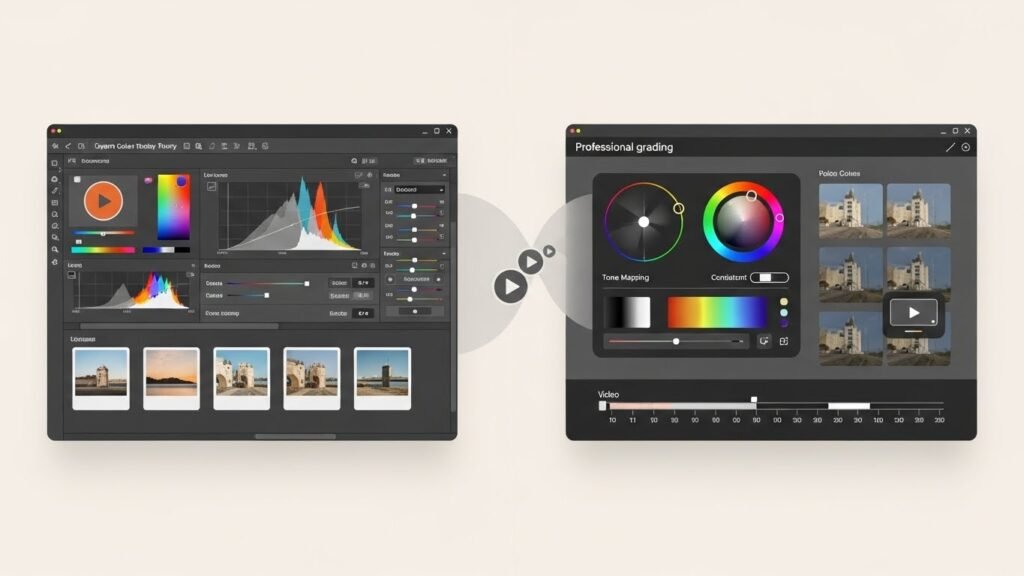
Darktable is a free alternative to professional photo grading tools. It’s ideal for creators who want consistent color across both images and videos.
Learning Darktable can help beginners understand professional color workflows without spending money.
How to Choose the Right Free Color Grading Software
The best tool depends on your goals, hardware, and learning style. There’s no single “perfect” option for everyone.
- If you want industry-level skills, choose DaVinci Resolve
- If you want quick results with minimal learning, try HitFilm
- If your computer is older, Shotcut may run more smoothly
- If you also work with images, combine video tools with image editing software
It’s okay to test two or three options before settling on one.
Common Mistakes Beginners Make in Color Grading
Even with the best free tools, beginners often make similar mistakes.
- Over-saturating colors
- Ignoring skin tone accuracy
- Grading without fixing exposure first
- Applying LUTs without adjustment
Learning slowly and practicing consistently will help you avoid these issues.
Learning Color Grading Faster as a Beginner
Using free video color grading software effectively requires practice, not just tools. Start with small projects, compare before-and-after results, and study how colors affect mood.
Watching real-world examples and recreating looks you admire is one of the fastest ways to improve.
FAQ
Is free color grading software good enough for professional results?
Yes, many free tools offer professional-level features. The results depend more on skill and practice than on price.
Which free color grading software is easiest for beginners?
HitFilm and Shotcut are generally easier to learn, while DaVinci Resolve offers deeper control with a steeper learning curve.
Can I use free color grading software for YouTube videos?
Absolutely. Many successful YouTubers rely on free color grading software to enhance their content and improve content engagement across platforms.
Do I need a powerful computer for color grading?
Some tools like DaVinci Resolve benefit from stronger hardware, but lighter software works well on basic systems.
Is color grading software free forever?
Most free versions remain free, though some offer paid upgrades with additional features.
Choosing the right free color grading software is about matching your creative goals with the right learning path. With patience and practice, even beginners can achieve clean, cinematic results using free tools available today.






