


Best Open Source Android Apps for Privacy-Focused Everyday Use
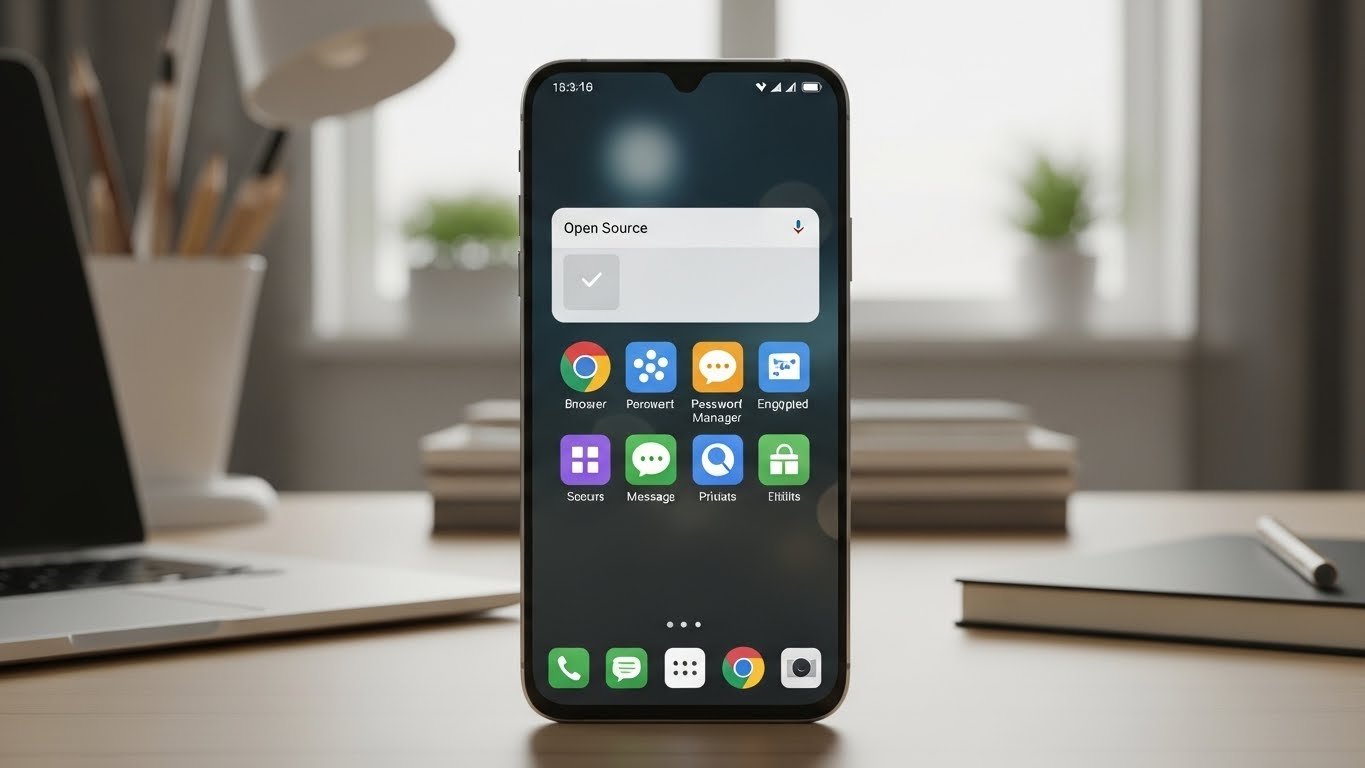
In today’s digital world, privacy matters more than ever. Many Android apps collect data quietly in the background, putting your personal information at risk. That’s why using the best open source Android apps is essential for anyone who wants control over their digital life. Open source apps are transparent, community-reviewed, and often more secure than proprietary alternatives. In this article, we’ll explore a selection of privacy-focused Android apps that you can trust for everyday use.
Why Choose Open Source Apps on Android?
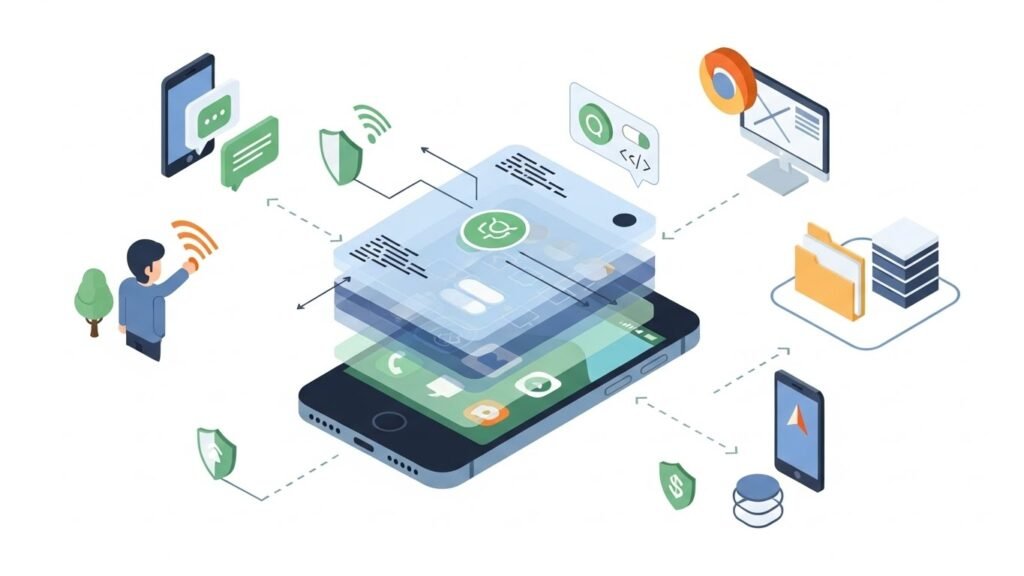
Open source apps come with code that anyone can inspect, modify, and improve. This transparency reduces the risk of hidden tracking or malicious behavior. Here are some reasons to consider open source apps for your Android device:
- Privacy-first design: Many open source apps are built to limit data collection and protect your personal information.
- Community oversight: Developers and users around the world can review and audit the code.
- Regular updates: Open source projects are often maintained actively, with bugs and vulnerabilities fixed quickly.
- Customizability: Advanced users can tweak the app to suit their specific privacy needs.
Top Open Source Android Apps for Privacy-Focused Everyday Use
1. Open Source Browsers
Using a privacy-focused browser is one of the most important steps in protecting your online activity. Some of the best options include:
- Firefox for Android: A popular open source browser with strong privacy controls and tracking protection.
- Kiwi Browser: Built on Chromium, this browser supports extensions and ad-blockers for better privacy.
- Fennec F-Droid: The F-Droid version of Firefox focuses entirely on free and open source components, removing proprietary features.
These browsers not only block trackers but also allow you to customize your privacy settings for everyday browsing.
2. Open Source Password Managers
Passwords are the key to your digital life, so storing them safely is critical. Open source password managers give you transparency and security:
- Bitwarden: A widely trusted open source password manager that encrypts your data locally before syncing to the cloud.
- KeePassDX: A local-only Android password manager that allows you to manage your credentials offline.
These open source password manager Android apps ensure your sensitive data stays under your control while providing convenience for daily use.
3. Secure Messaging Apps
Communication privacy is essential. Open source messaging apps give you end-to-end encryption and transparency:
- Signal: One of the most trusted encrypted messaging apps worldwide.
- Conversations: An XMPP-based open source app that supports encrypted messaging and file sharing.
4. Email Clients
Email can leak a lot of personal information. These open source clients help maintain your privacy:
- K-9 Mail: Open source email client with PGP support for encrypted communication.
- Tutanota Mail: Fully encrypted open source email service with Android support.
5. Utility Apps for Everyday Privacy
Beyond browsers and messaging, several other apps enhance your privacy in daily Android use:
- Open Camera: A camera app without hidden trackers or proprietary telemetry.
- NewPipe: Open source YouTube front-end that blocks ads and tracking.
- F-Droid: The go-to repository for discovering and installing verified open source apps on Android.
How to Find the Best Open Source Android Apps
Finding reliable open source apps is easier when you know where to look:
- F-Droid Repository: Curated collection of open source Android apps.
- GitHub: Explore projects directly and check activity, issues, and community support.
- Privacy-focused tech blogs: They often maintain updated lists of trustworthy apps.
Tips for Maximizing Privacy on Android
Installing open source apps is just the first step. To fully protect your privacy:
- Limit app permissions to only what is necessary.
- Use a VPN when on public Wi-Fi.
- Regularly update apps and the Android system to patch security vulnerabilities.
- Disable or avoid Google services that collect unnecessary data if privacy is a priority.
FAQ About Open Source Android Apps
Are open source apps really more private than regular apps?
Yes. Open source apps allow anyone to inspect the code, so hidden trackers or malicious code are easier to detect. However, privacy also depends on how the app is used and configured.
Can I trust open source password managers?
Absolutely. Open source password managers like Bitwarden and KeePassDX encrypt your data locally and their code can be audited by anyone, ensuring transparency and security.
Where can I download the best open source Android apps safely?
The safest sources are the F-Droid repository and the official GitHub pages of the apps. Avoid downloading APKs from untrusted websites.
Do open source browsers support extensions like Chrome?
Some do. For example, Kiwi Browser supports many Chrome extensions, while Firefox for Android has a curated set of add-ons focusing on privacy and security.
Are open source apps suitable for everyday users?
Yes. Many open source apps are user-friendly and designed for both technical and non-technical users. They provide privacy without sacrificing convenience.






